AI image template: AI Breast Expansion: Fuller Bust Photo Edit
Idoli.ai Template

AI Breast Expansion: Fuller Bust Photo Edit

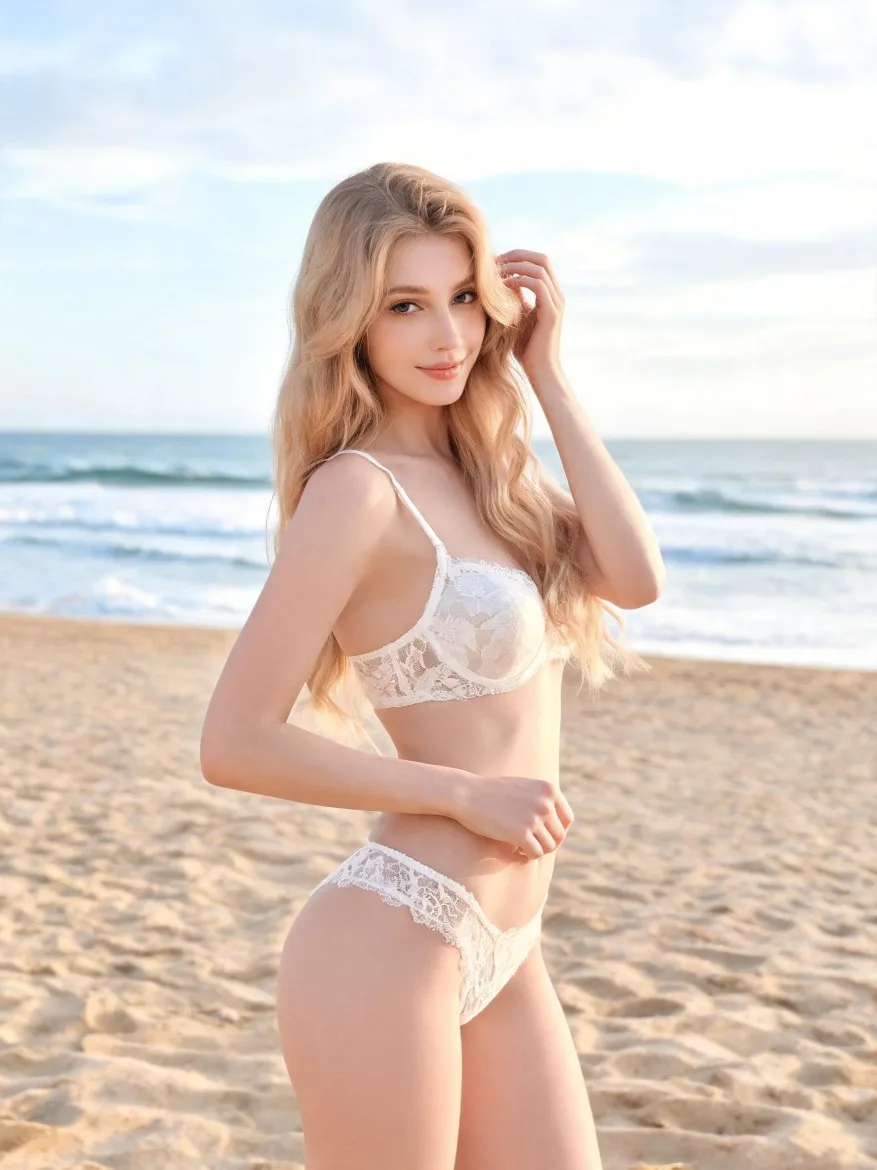
Use a reference photo to explore a naturally fuller bust while aiming to retain the person’s appearance, outfit, pose, and surrounding proportions.

Template prompt

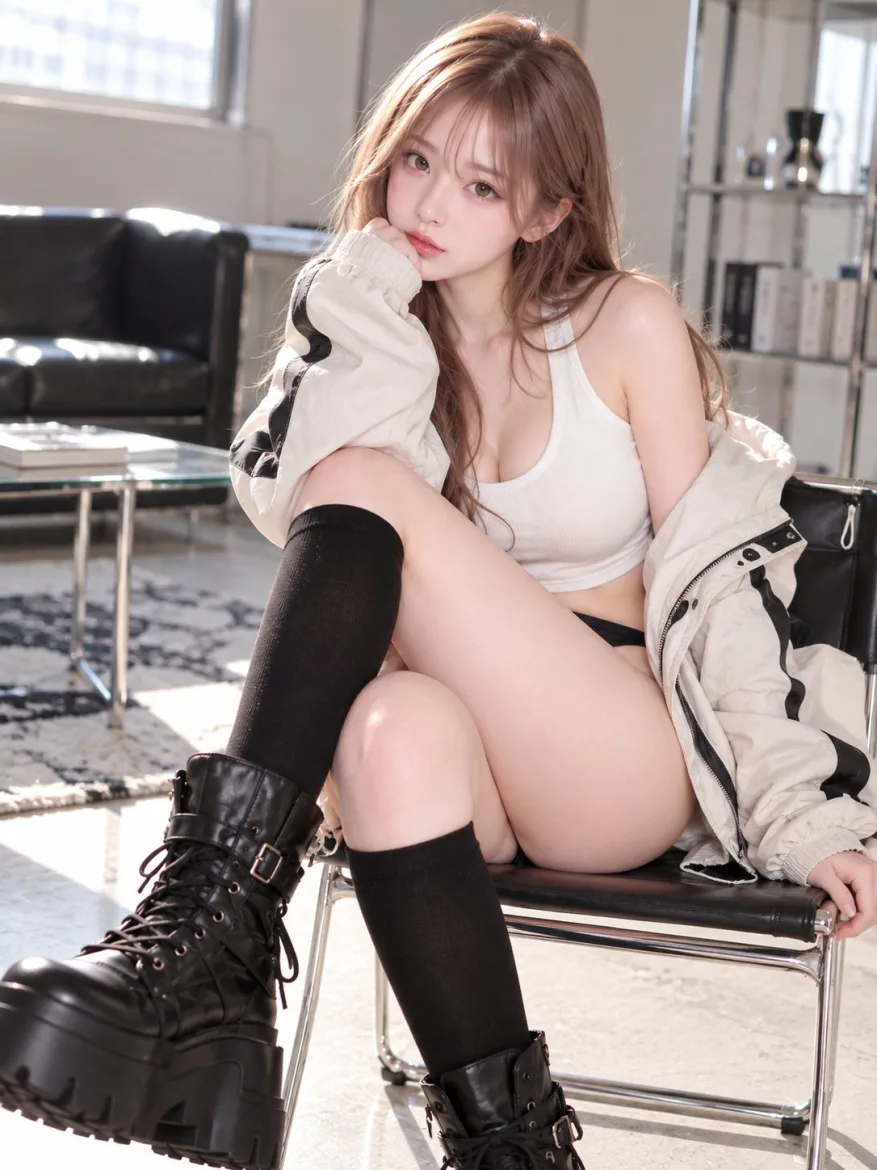
Edit the woman in the reference photo to give her a moderately fuller bust with natural, balanced proportions. Preserve her recognizable facial features, apparent age, hairstyle, skin tone, waist, hips, shoulder width, and overall build. Keep the original pose, camera angle, clothing design, and background. Maintain complete opaque clothing coverage over the chest. Adjust the garment's volume, seams, folds, and fabric tension naturally around the fuller bust, without making the fabric transparent or adding a lower neckline. Keep the torso anatomically coherent, with natural breast placement beneath the clothing and no distortion of the arms or surrounding objects. Use a vertical 3:4 head-to-mid-thigh composition, with the face and overall torso clearly visible rather than a chest close-up. Match the reference lighting and photographic texture. One person, one finished portrait, no before-and-after panels, measurement labels, text, or watermark.
Pre-configured

📷 image9:16ai breast expansion

About this template

This AI breast expansion template adjusts bust fullness in a reference photo while aiming to keep the person’s appearance, outfit, pose, and background consistent. The default prompt requests a clothed portrait with fullness balanced against the existing shoulders, waist, and hips, and garment folds and seams adjusted naturally. The face and torso appear together so you can review the overall proportions.

This template is intended for adult subjects. Use your own photo, a reference you have permission to edit, or an already saved adult character. A fitted, opaque top or dress makes the silhouette easier to see than loose layers. In image generation, add the reference or select the saved character you want to use. If you choose a saved character, make sure the interface selection matches the reference used in the prompt. Saving a character is optional for a one-off photo edit.

You can request a subtler change or a fuller silhouette while keeping the outfit and pose similar for comparison. If the adjustment also changes the waist, face, or clothing, use a focused follow-up prompt to address that specific issue. For character design, replace the photographic rendering instructions with the reference character’s illustration style. Results may vary; compare the face, clothing, and surrounding proportions with your reference.

Similar templates

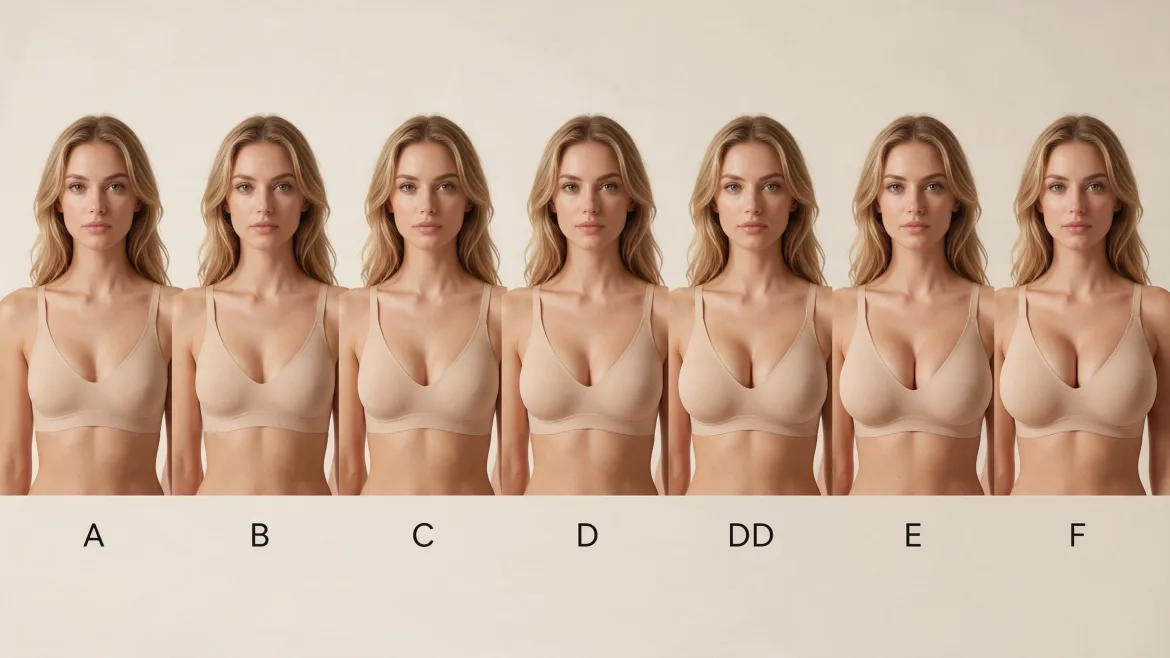
AI Character Bust Proportion Comparison

Compare bust proportions on the same photorealistic fictional character, arranged from smaller to fuller with a cup label beneath each portrait.

Unblur Photos: Sharpen a Soft Portrait

Improve the clarity of a slightly blurry portrait while aiming to preserve the person's features, natural texture, and original photographic atmosphere.

Create Funny Pictures from Photos: Cartoon Caricature

Turn a portrait into a funny cartoon caricature with an oversized head, expressive features, and recognizable details from the original photo.

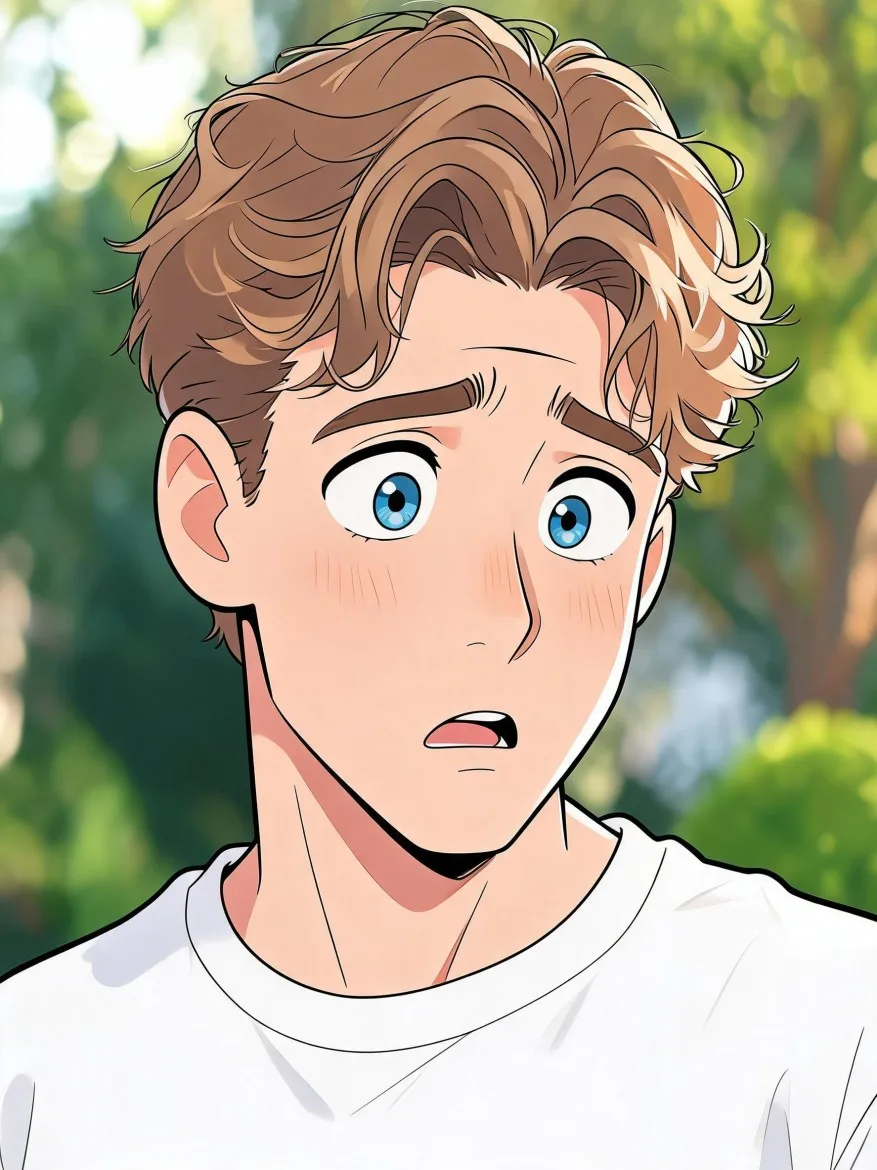
Full Body Gender Swap AI: A Feminine Fashion Makeover

Reimagine an adult male character as a female counterpart in a head-to-toe fashion portrait, with recognizable facial cues and a coordinated outfit.

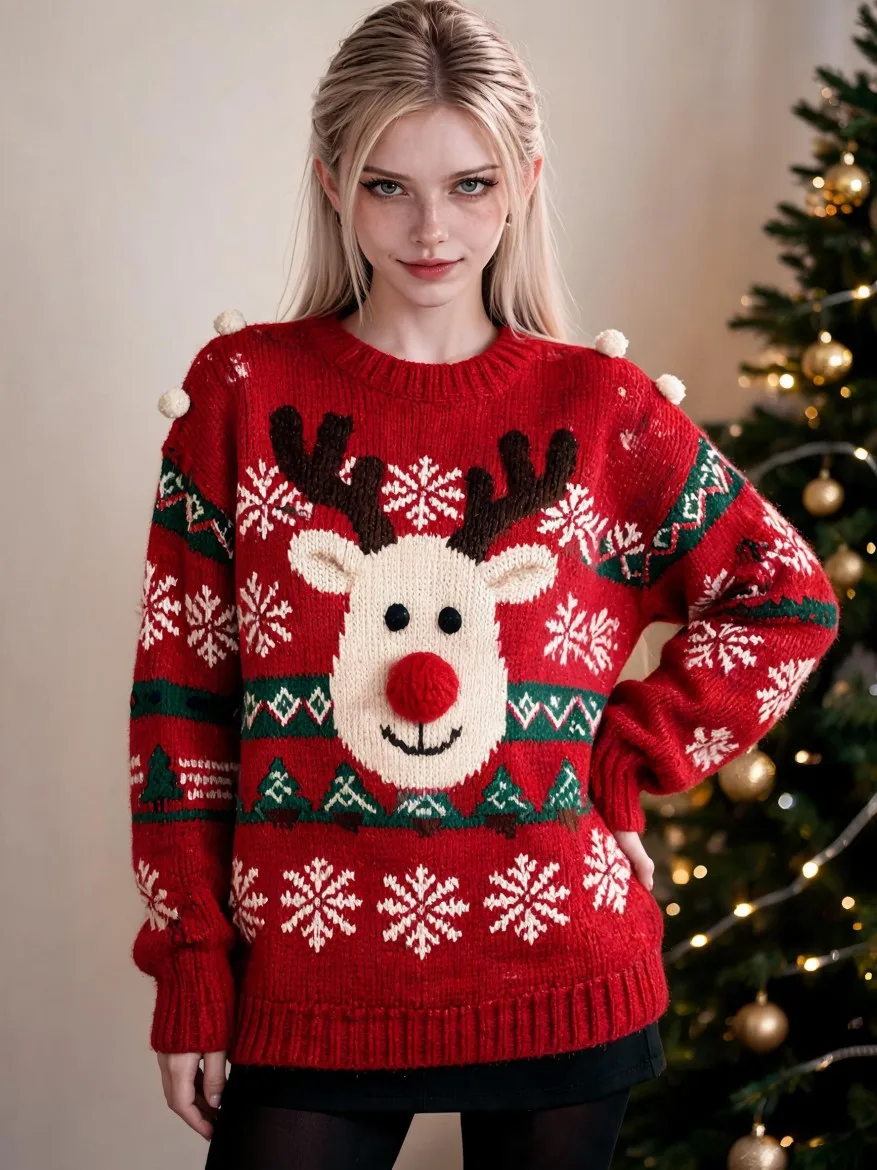
AI Ugly Christmas Sweater: Reindeer Party Look

Try a festive sweater with an oversized reindeer motif, raised pom-pom details, and deliberately clashing Christmas patterns on your saved character.