AI image template: Create Funny Pictures from Photos: Cartoon Caricature
Idoli.ai Template

Create Funny Pictures from Photos: Cartoon Caricature

Turn a portrait into a funny cartoon caricature with an oversized head, expressive features, and recognizable details from the original photo.

Template prompt

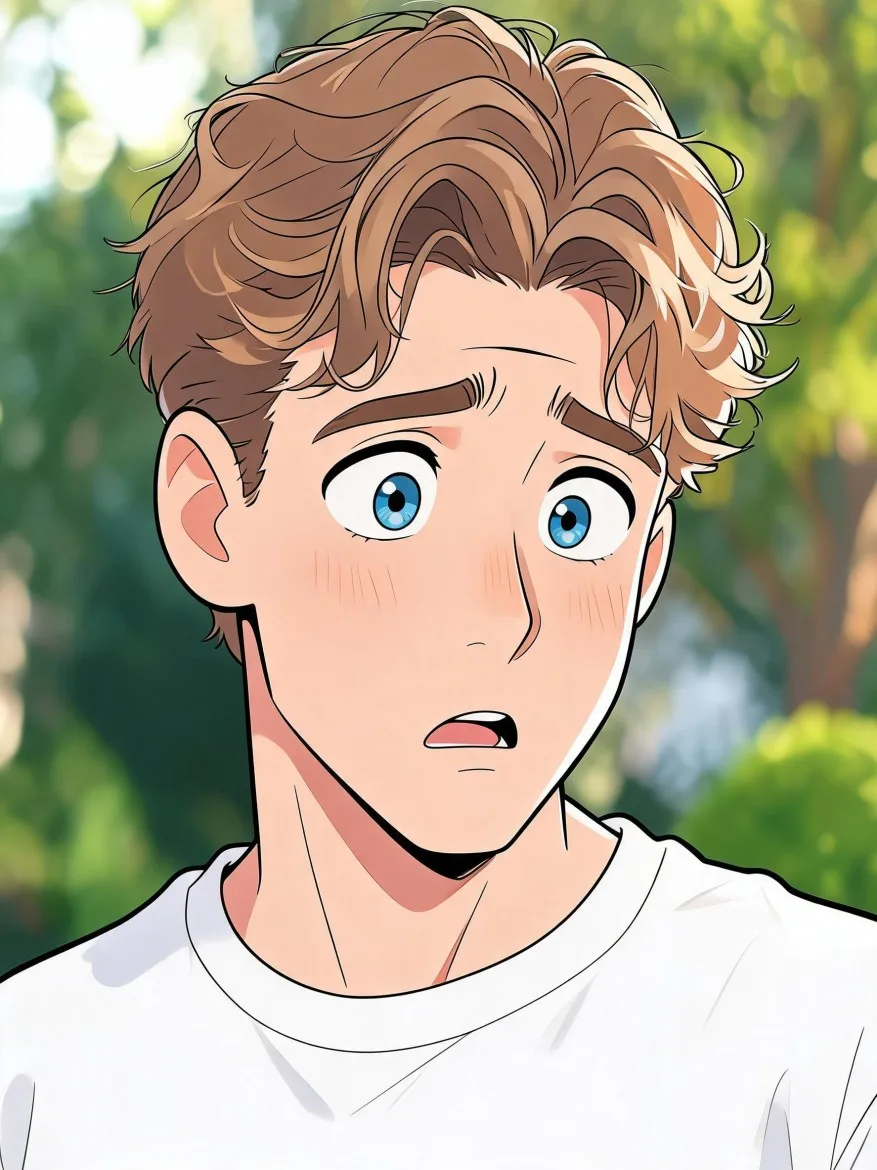
Transform the adult person in the reference photo into a humorous 2D cartoon caricature. Keep the person recognizable through their distinctive face shape, nose, eyebrows, hairstyle, hair color, and signature accessories. Preserve their adult appearance and the main colors and design of their clothing. Enlarge the head slightly relative to the shoulders and exaggerate the person's existing features without replacing them with a generic cartoon face. Give them a comically startled expression: raised eyebrows, wide eyes with naturally aligned pupils, lifted cheeks, and a small open mouth as if caught mid-gasp. Tilt the head slightly and lift the shoulders to reinforce the reaction. Use confident dark outlines, lively curved shapes, bright color blocks, and simple cel shading, with a polished hand-drawn editorial cartoon finish rather than photorealistic skin or 3D rendering. Simplify the original background into recognizable shapes and colors, keeping its main objects in their original relative positions. Vertical 3:4 chest-up portrait, the entire oversized head and hairstyle visible with space around them. One person, one finished illustration, no captions, speech bubbles, stickers, comparison panels, or watermark.
Pre-configured

📷 image3:4create funny pictures from photos

About this template

Create funny pictures from photos by turning a familiar face into an expressive cartoon caricature. The default look combines a slightly oversized head, raised eyebrows, wide eyes, and a startled little gasp. Bold outlines and bright color blocks make the transformation immediately visible, while the original hairstyle, outfit, and distinctive facial features provide recognizable links to the photo.

Start with a clear photo of one adult whose face is unobstructed, ideally facing the camera or turned slightly. Use it as the reference in image generation with this prompt. The background becomes a simplified cartoon version of the original setting, so a desk, sofa, or other familiar object can remain part of the scene. You can use a photo for this edit without first creating a saved character.

For gentler humor, reduce the head enlargement and facial exaggeration. You can also adjust the cartoon’s expression from surprise to puffed cheeks and a suppressed smile, or a skeptical raised eyebrow and sideways glance. Keep the identifying features and illustration style while changing the reaction. Check the result against the source photo for recognizable details and intentional, readable exaggeration.

Similar templates

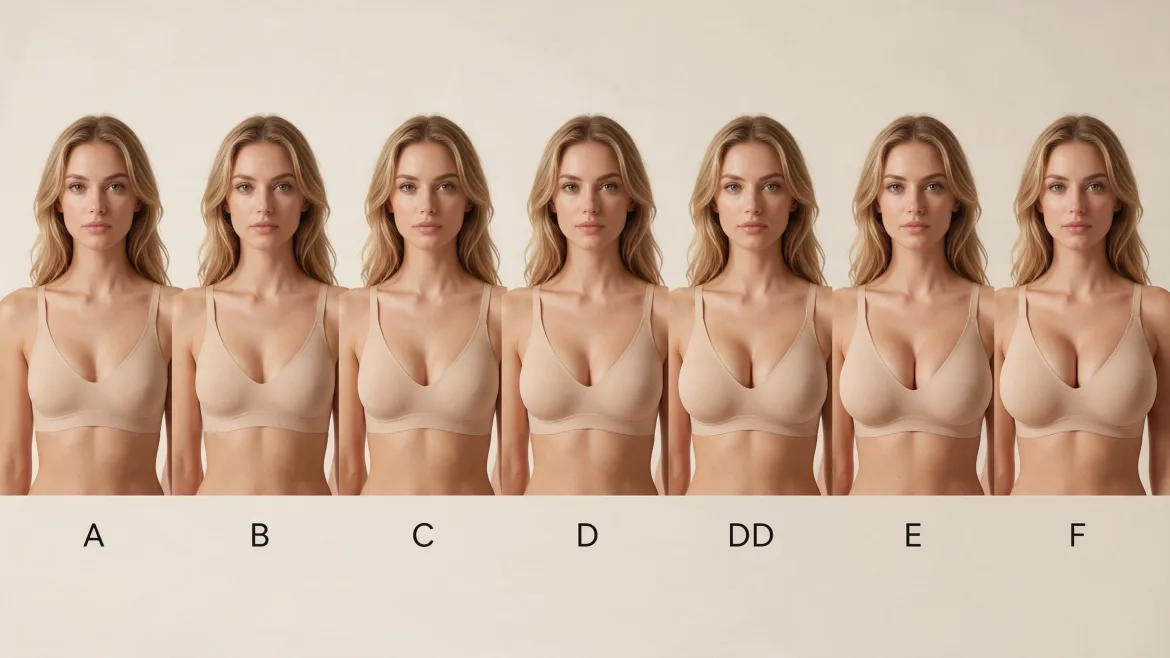
AI Character Bust Proportion Comparison

Compare bust proportions on the same photorealistic fictional character, arranged from smaller to fuller with a cup label beneath each portrait.

Unblur Photos: Sharpen a Soft Portrait

Improve the clarity of a slightly blurry portrait while aiming to preserve the person's features, natural texture, and original photographic atmosphere.

AI Breast Expansion: Fuller Bust Photo Edit

Use a reference photo to explore a naturally fuller bust while aiming to retain the person’s appearance, outfit, pose, and surrounding proportions.

Full Body Gender Swap AI: A Feminine Fashion Makeover

Reimagine an adult male character as a female counterpart in a head-to-toe fashion portrait, with recognizable facial cues and a coordinated outfit.

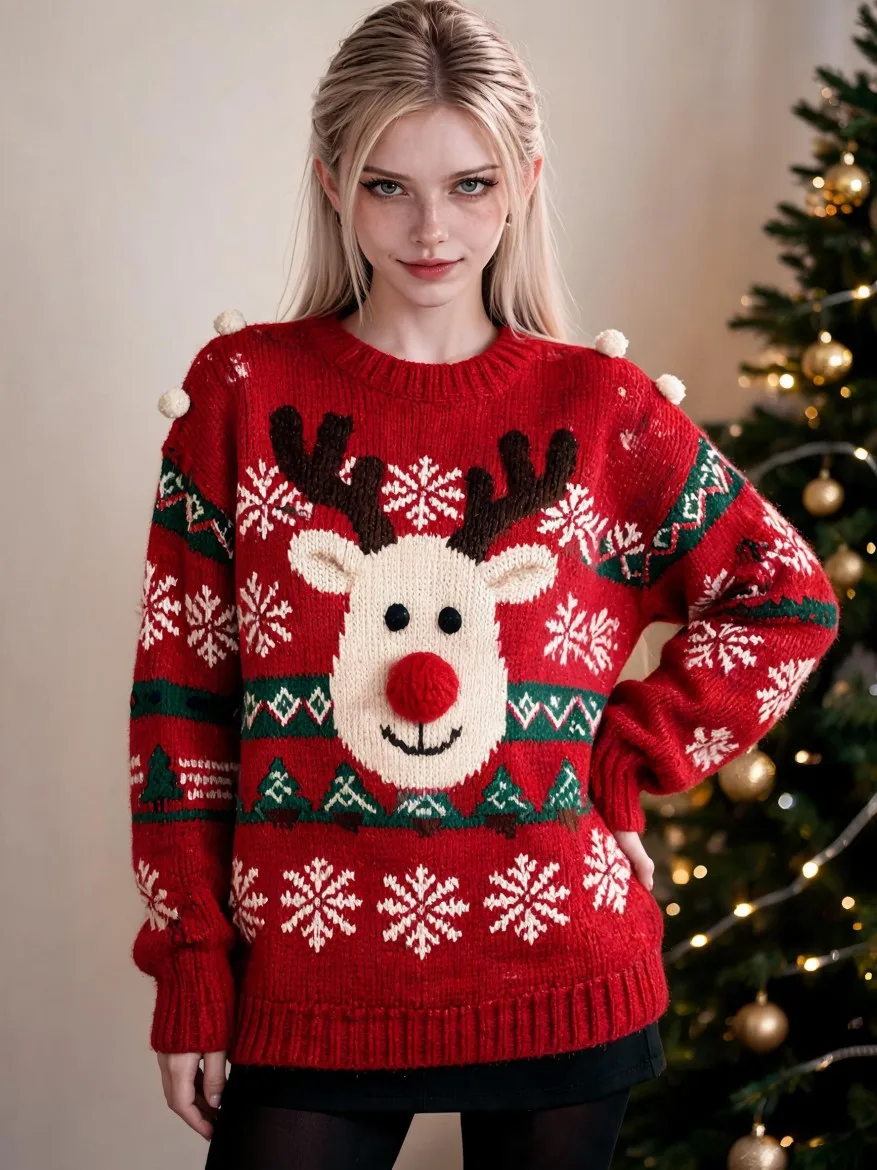
AI Ugly Christmas Sweater: Reindeer Party Look

Try a festive sweater with an oversized reindeer motif, raised pom-pom details, and deliberately clashing Christmas patterns on your saved character.