AI image template: Unblur Photos: Sharpen a Soft Portrait
Idoli.ai Template

Unblur Photos: Sharpen a Soft Portrait

Improve the clarity of a slightly blurry portrait while aiming to preserve the person's features, natural texture, and original photographic atmosphere.

Template prompt

Enhance the clarity of the reference portrait by reducing mild focus blur and gently improving definition where detail is visible. Preserve the person's recognizable facial features, apparent age, expression, gaze direction, face shape, hairstyle, and skin tone. Bring clearer definition to the eyes, eyebrows, visible strands of hair, and clothing edges without exaggerating eyelashes, inventing hair strands, or changing garment details. Retain natural skin texture and the original level of makeup; do not smooth the skin into a plastic surface or reshape the face. Keep the original lighting, color balance, shadows, background, composition, crop, and aspect ratio. Preserve intentional background blur and depth of field rather than sharpening every part of the image equally. Use restrained sharpening with smooth tonal transitions, avoiding bright edge halos, crunchy textures, amplified noise, and artificial HDR contrast. Keep uncertain or heavily blurred areas subtle rather than filling them with conspicuous invented details. Return one enhanced photo with no comparison panels, added text, or watermark.
Pre-configured

📷 image3:4unblur photos

About this template

Use this unblur photos template to explore a clearer version of a slightly soft portrait. The default prompt targets mild focus blur around the eyes, eyebrows, hair, and clothing edges, while asking to retain the person's expression, facial proportions, and natural photographic texture. It preserves the original framing and aspect ratio instead of turning the photo into a new composition.

Add the photo you want to improve as a reference in Idoli's image generation mode. You can begin with a short clarity request or use this template’s more detailed prompt when you need finer control over sharpening and texture. You do not need to create or select a saved character for this edit. Start with the best-quality version of the photo you have, so there is more visible detail to work from.

Before generating, open the image settings and check Resolution. Choose a higher output resolution supported by your selected model if you want a larger, higher-resolution image. Available resolution options vary by model, so check the settings again when switching models. Use the interface setting to select the resolution rather than relying only on words such as “high definition” in the prompt. A higher output resolution can complement the clarity adjustment, but it does not by itself recover detail lost to blur.

Compare the result with the source, especially around the eyes, mouth, hairline, and small clothing details. If the image looks too sharp, ask for softer edges and less sharpening. If you like the original grain, request that it be retained. Keep an intentionally blurred background soft so the portrait still has its original depth.

This template is intended for mild blur rather than exact reconstruction of missing information. In severely blurred areas, generated details may differ from the original subject. Judge the result as a visual enhancement, not verified recovery of the original detail.

Similar templates

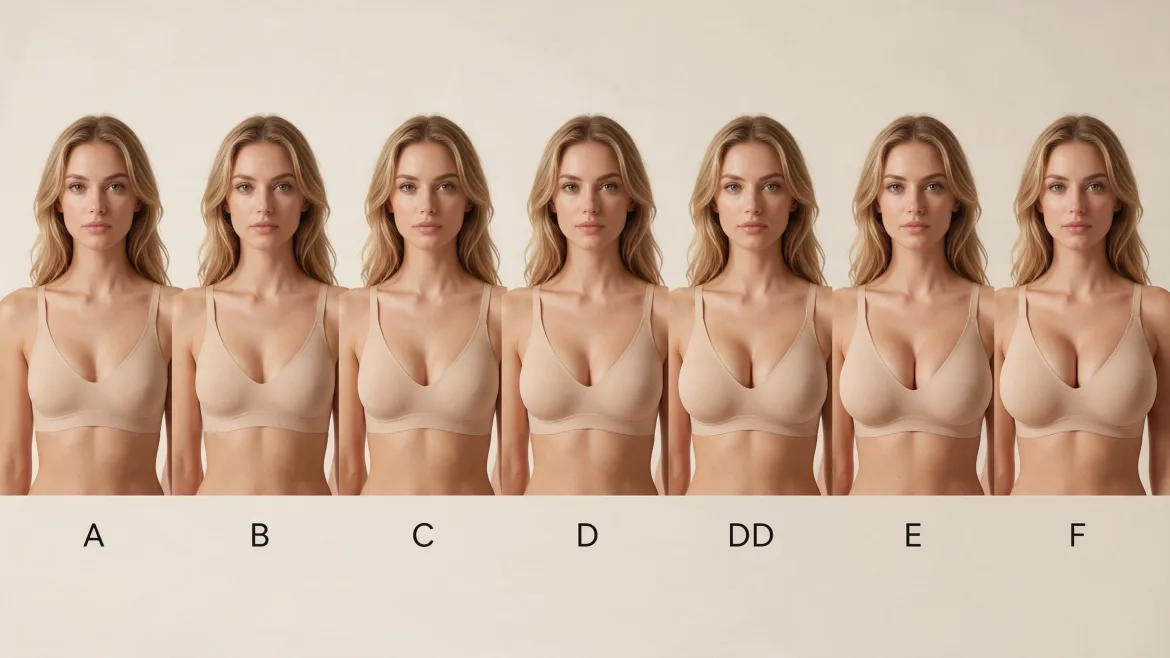
AI Character Bust Proportion Comparison

Compare bust proportions on the same photorealistic fictional character, arranged from smaller to fuller with a cup label beneath each portrait.

AI Breast Expansion: Fuller Bust Photo Edit

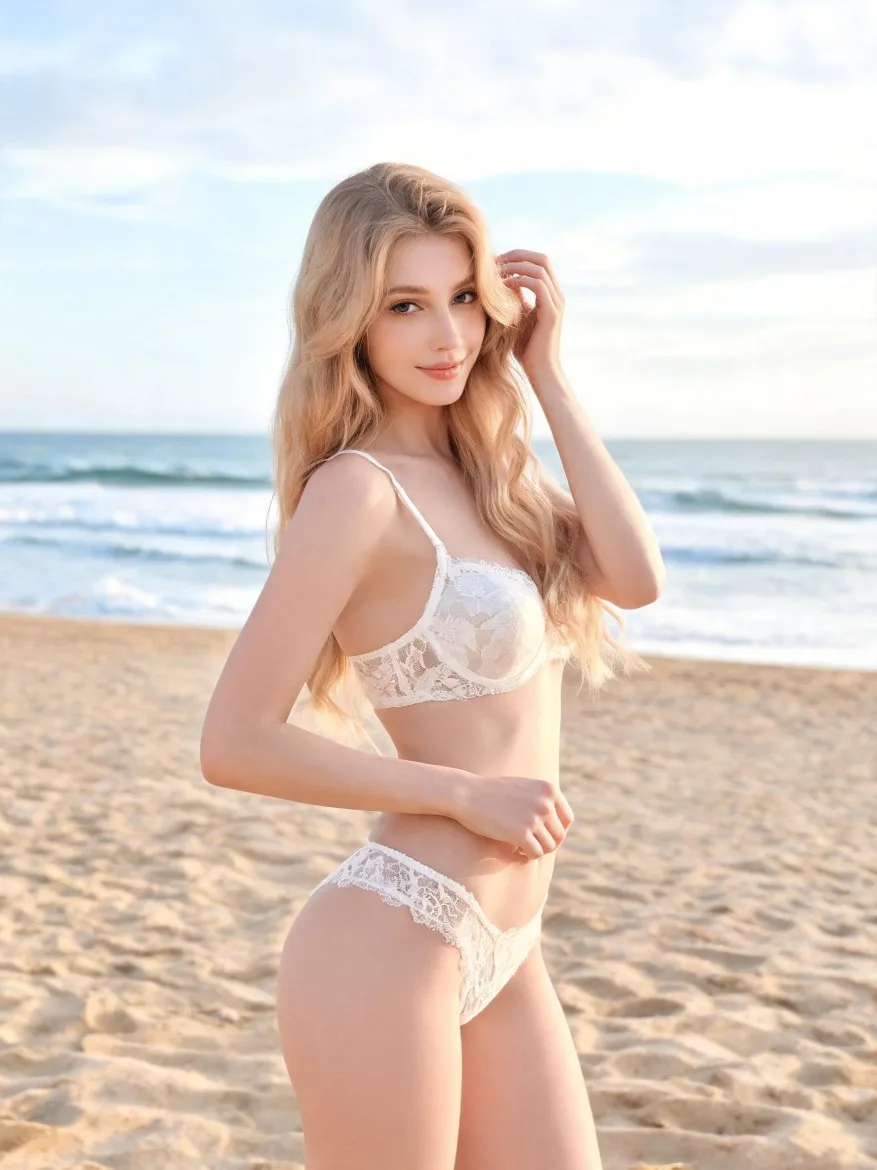
Use a reference photo to explore a naturally fuller bust while aiming to retain the person’s appearance, outfit, pose, and surrounding proportions.

Create Funny Pictures from Photos: Cartoon Caricature

Turn a portrait into a funny cartoon caricature with an oversized head, expressive features, and recognizable details from the original photo.

Full Body Gender Swap AI: A Feminine Fashion Makeover

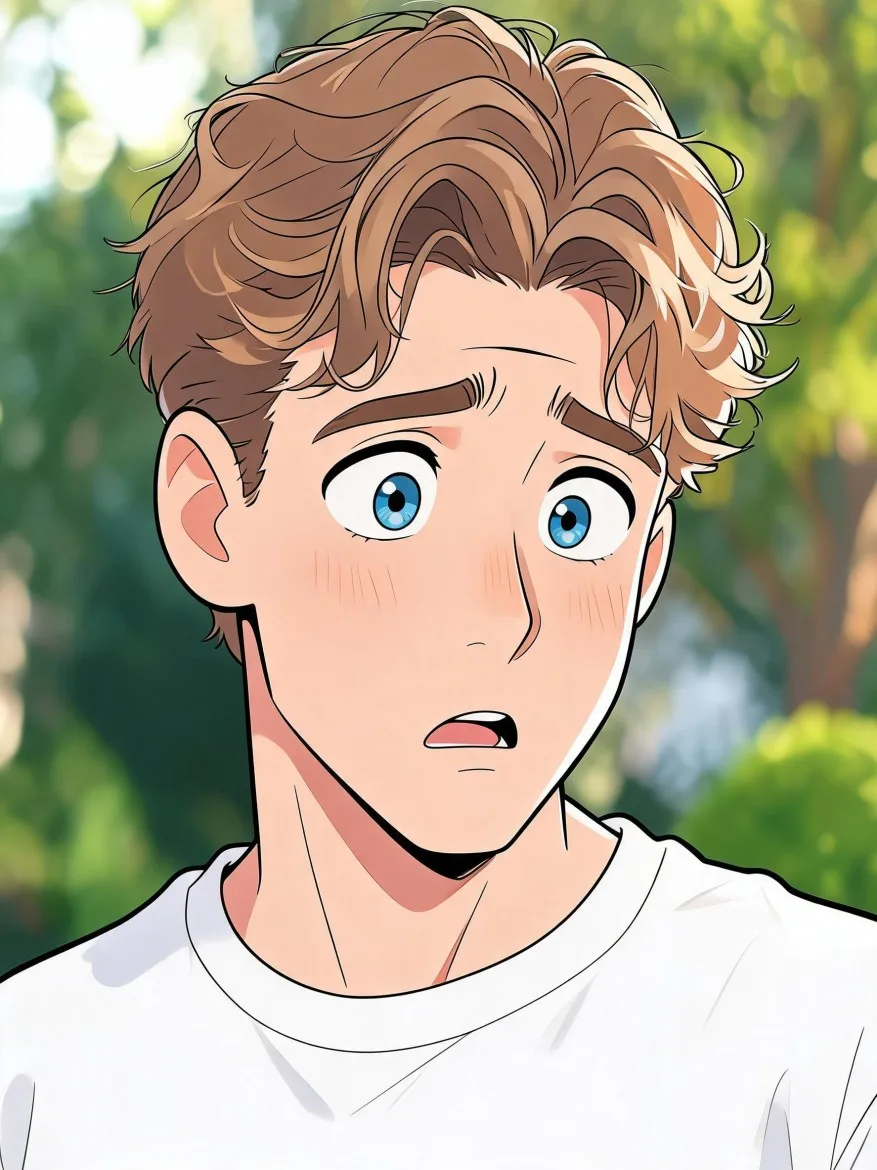
Reimagine an adult male character as a female counterpart in a head-to-toe fashion portrait, with recognizable facial cues and a coordinated outfit.

AI Ugly Christmas Sweater: Reindeer Party Look

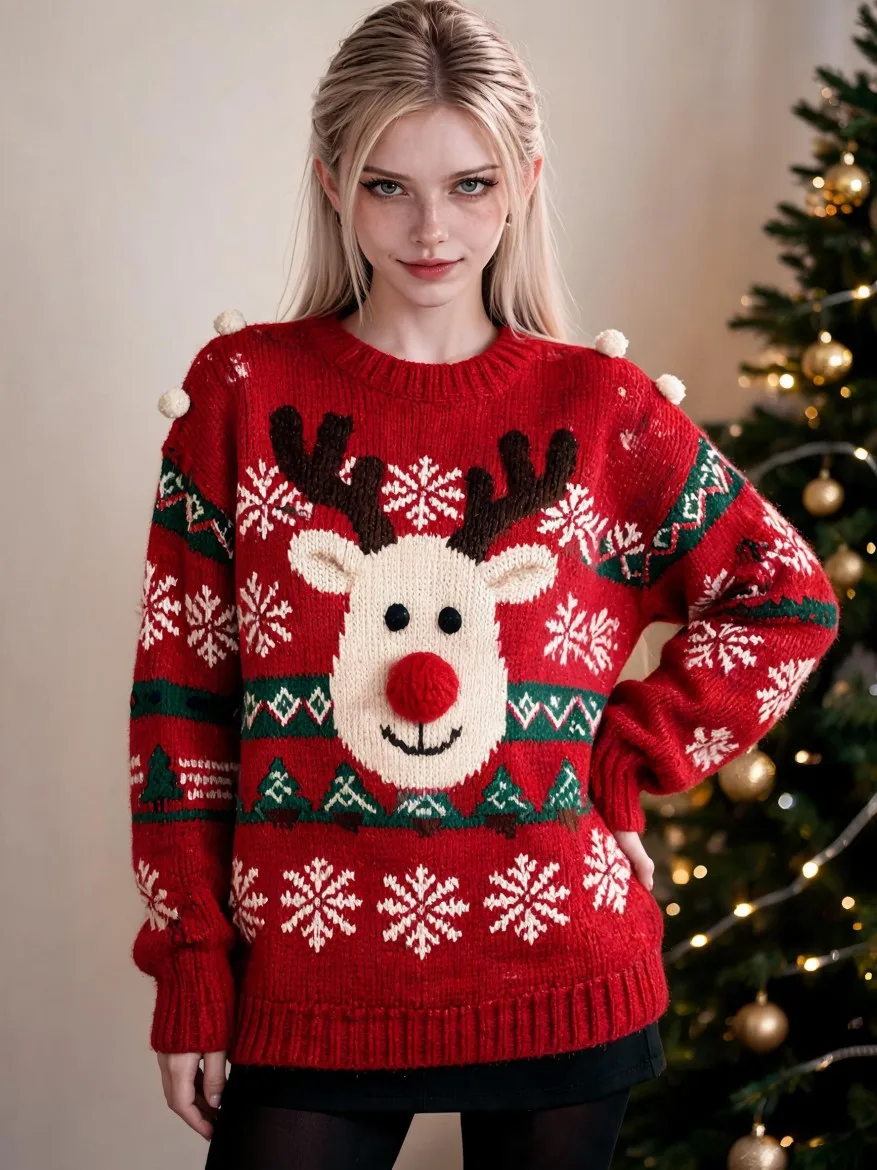
Try a festive sweater with an oversized reindeer motif, raised pom-pom details, and deliberately clashing Christmas patterns on your saved character.