
Idoli Blog
Ideas for AI creators
Guides, prompts, and trend pieces that help you turn a consistent character into images and short videos.
How to Use Idoli: A Beginner’s Guide to Images, Characters, and Videos
Start with a free guided video example, use your free welcome credits to try image generation, and learn how to edit images, save characters, and reuse them in videos.
Real-Person Photo Getting Flagged? Try Idoli’s Character Workflow
Don’t let a real-person-photo restriction end your next creative project. Create and save a character in Idoli, then reference it to explore new outfits, scenes, and videos.
how to animate a picture
Learn how to easily animate static photos using AI tools like IdolAI. This guide covers the advantages of AI over traditional animation methods, a simple step-by-step tutorial for bringing your images to life, and practical tips for creating realistic, captivating, dynamic visuals online.
Best Consistent Character AI Video Generator
IdoliAI is an advanced AI tool supporting text-to-image, text-to-video, and image-to-video creation. By locking custom character profiles, it preserves facial features, attire, and art styles across various scenes. It simplifies character design and lets you efficiently produce highly consistent game assets and multi-shot cartoon animations.
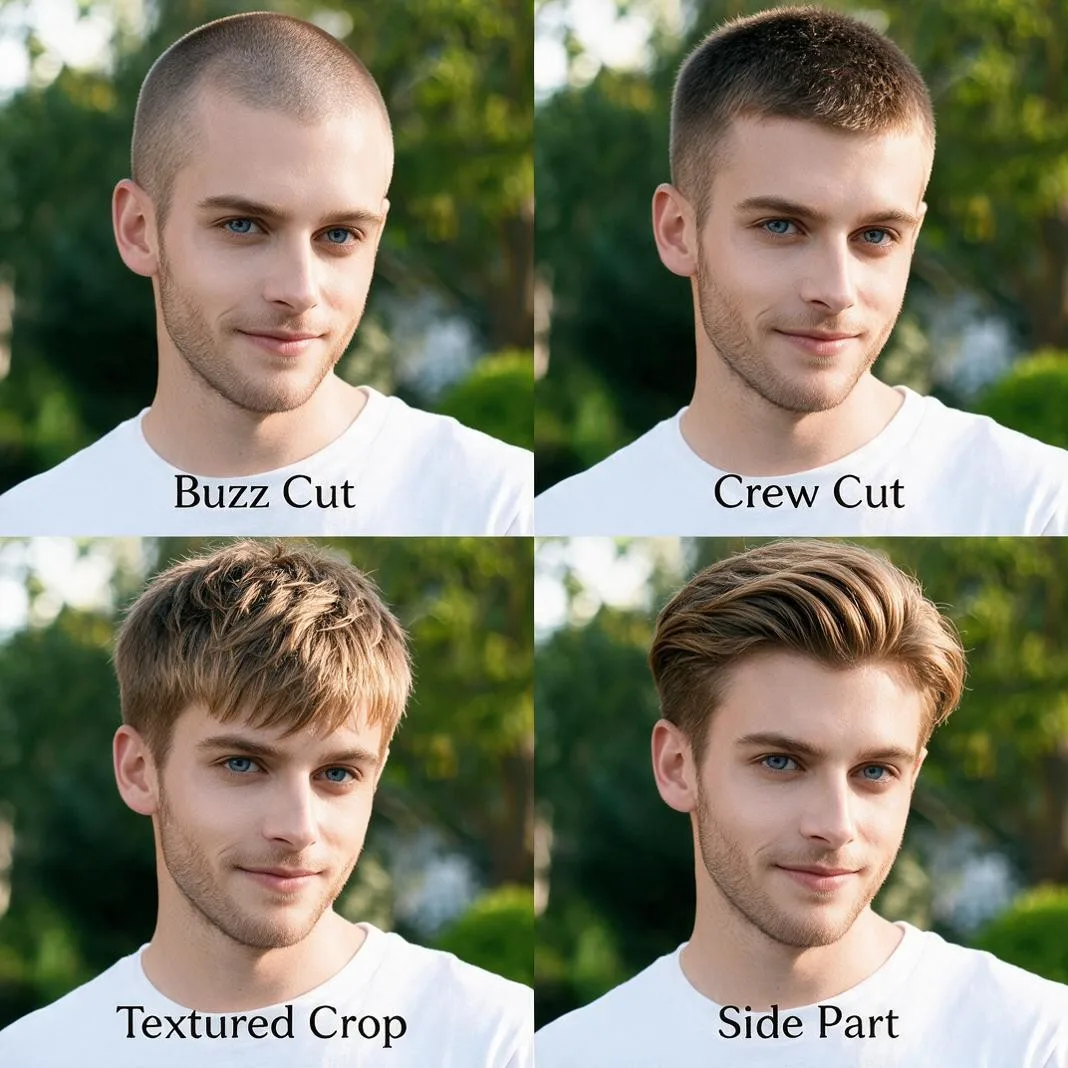
How to Choose a Men's Haircut Using a Virtual Preview
Compare a buzz cut, crew cut, textured crop, and side part on the same photo, then bring a clear reference to your barber.
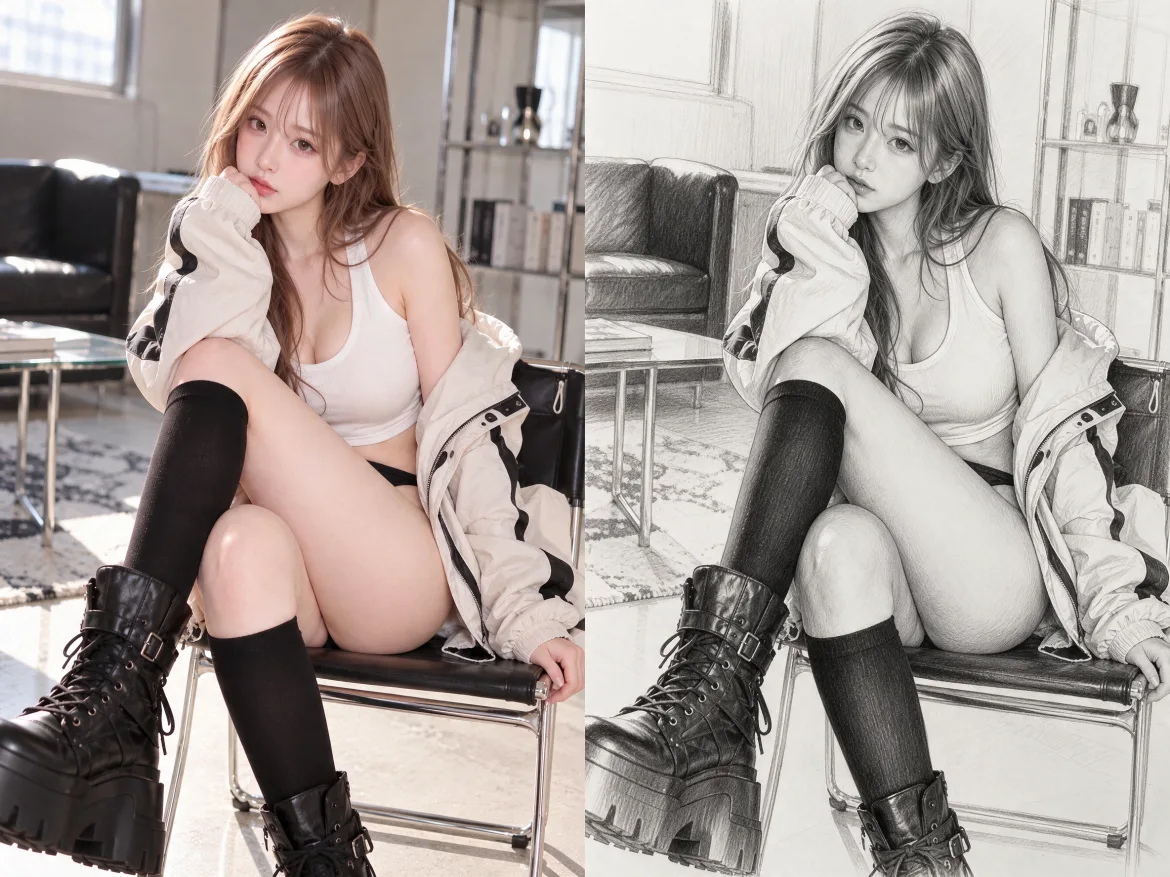
How to Turn a Photo into a Pencil Sketch Online for Free
Upload a photo to the Photo to Pencil Sketch template in Idoli and download a graphite drawing designed to preserve the subject, pose, and main composition.
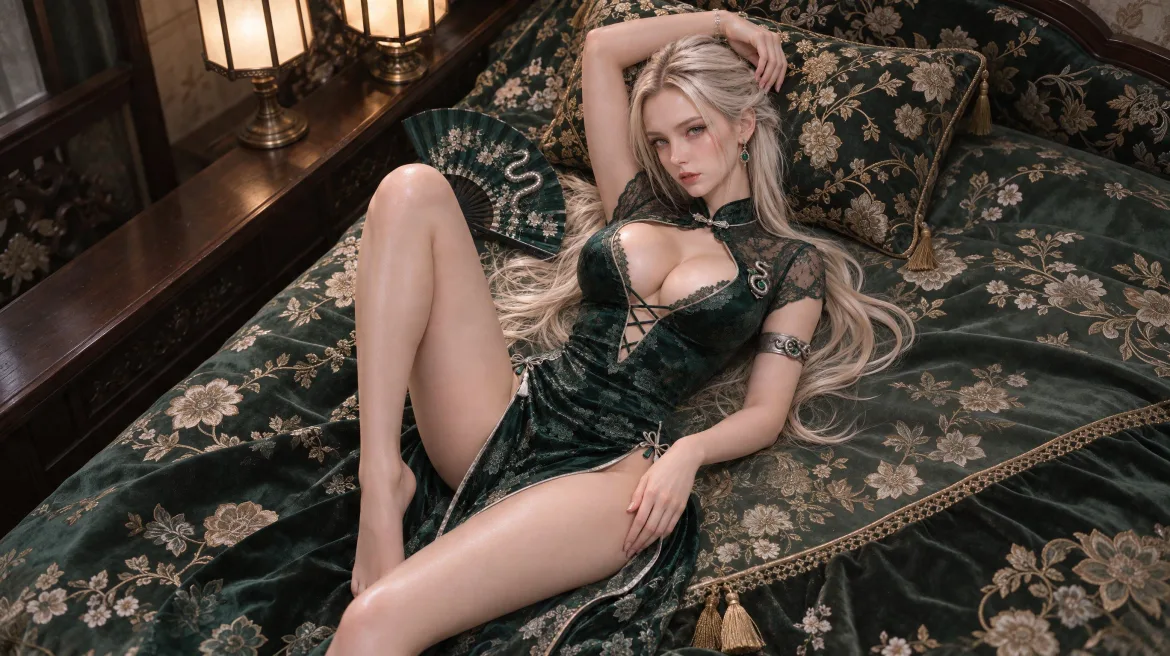
Six AI Twerking Videos You Can Make with One Saved Character
Use the same saved Idoli character to try six twerking video templates, from a slow groove with a clap to a bright daylight routine with wide arm lines.
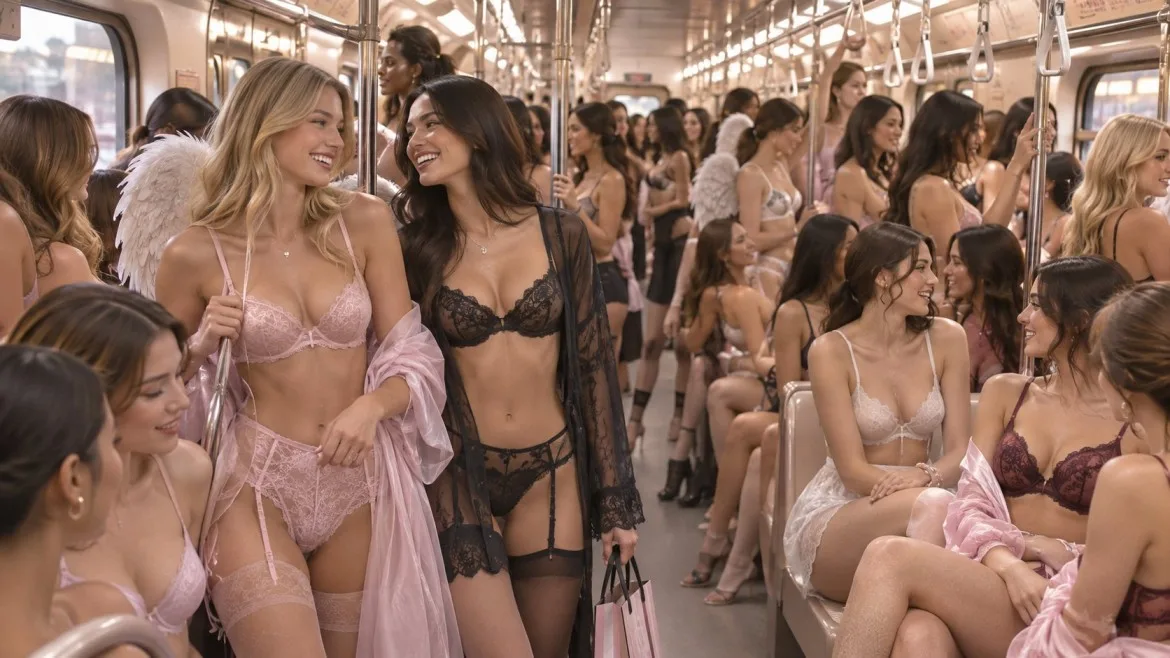
Image to Video Uncensored: Bring Your Ideas to Life with an Idoli Character
What can you do when a reference photo is flagged or a video prompt is rejected? Here's how those two situations work in Idoli.
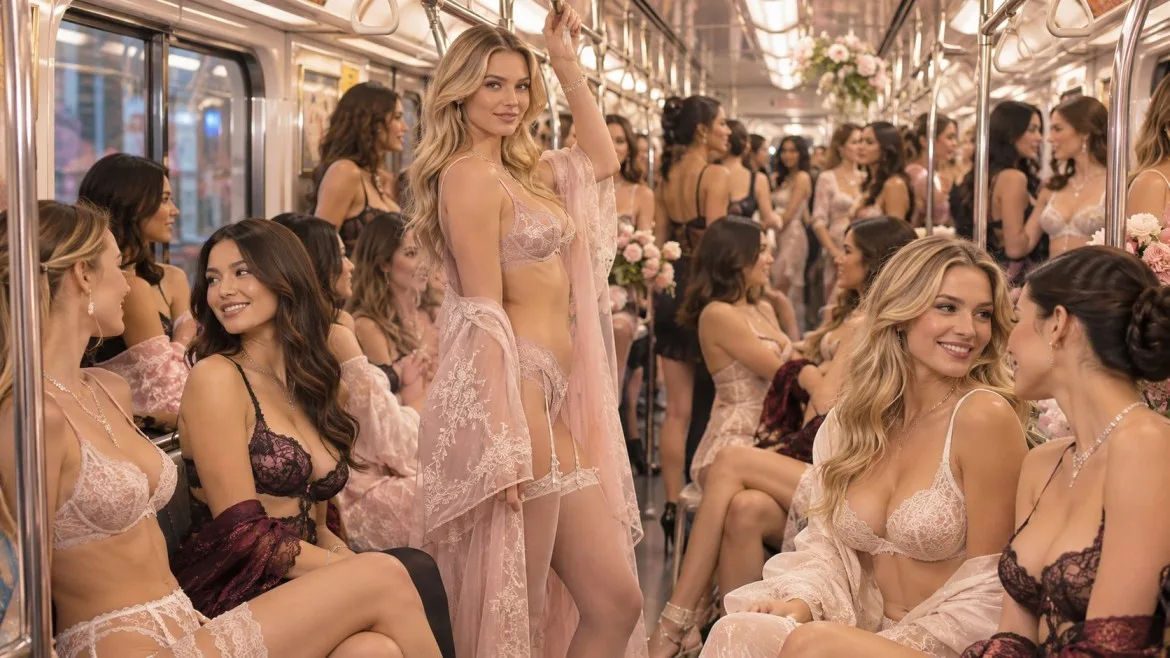
How to Compare Bust Proportions in a Realistic AI Character
Compare bust proportions on the same fictional adult character, then choose a silhouette that suits the character and the outfit you have in mind.
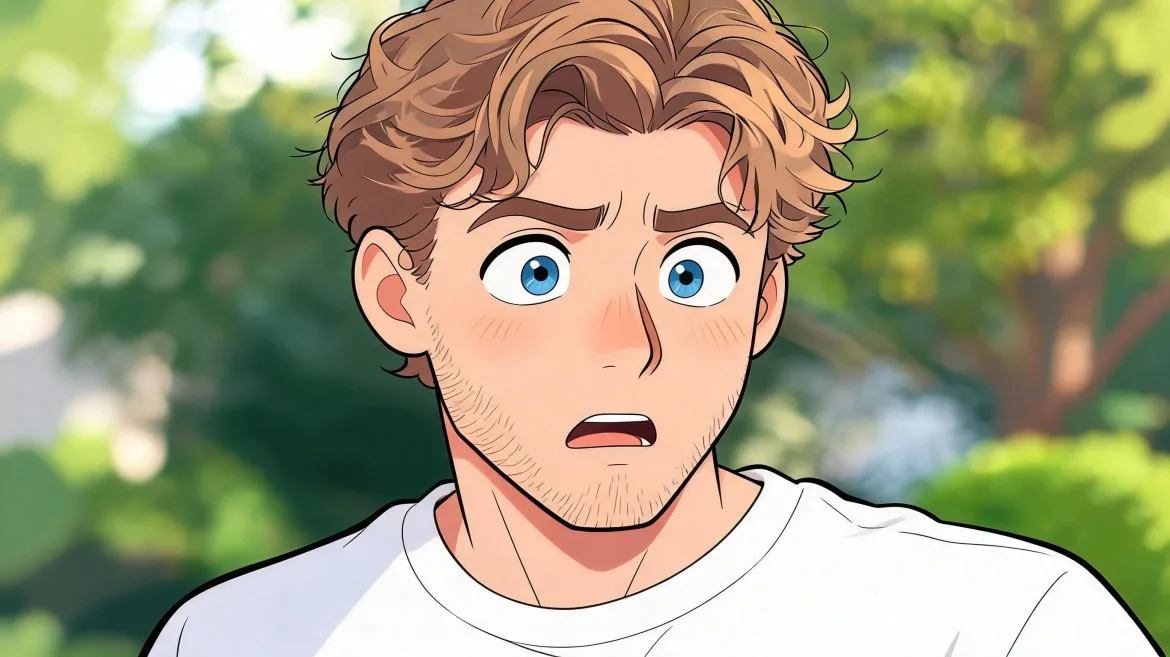
How to Make a Funny Cartoon from a Photo in Idoli
Turn a portrait into a playful caricature, keep the details that make the person recognizable, and adjust the exaggeration with simple follow-up prompts.
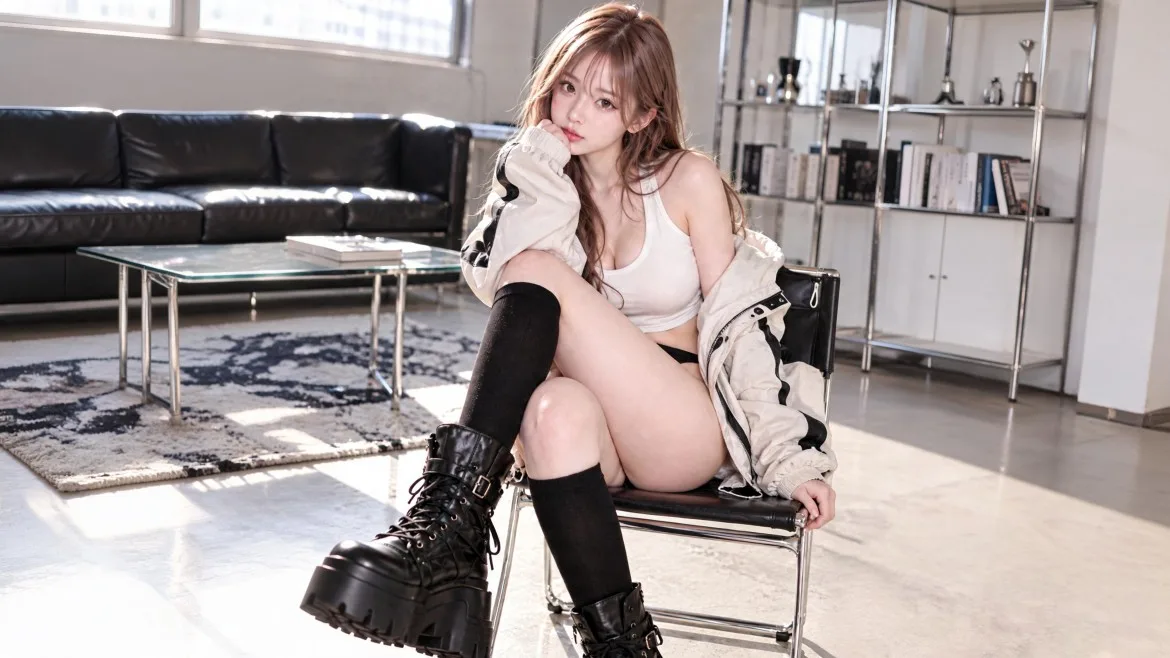
Clearer Photos in Idoli: Simple Prompts, Model Choice, and Resolution
Start with a photo, describe the improvement in a few words, and use Idoli's model and resolution options to explore a clearer, higher-resolution result.
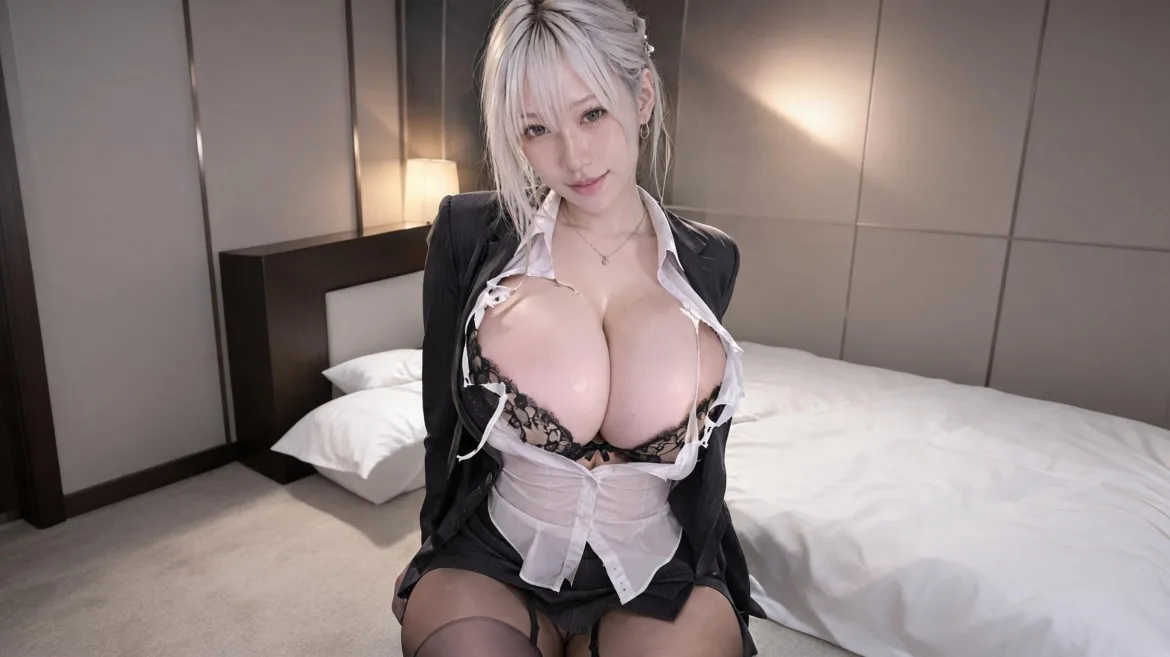
AI Breast Expansion: Adjust Bust Size in a Photo
Upload an adult reference photo and use a focused prompt to explore a fuller bust while aiming to retain the face, outfit, pose, and surrounding proportions.