Abstract Learn how to easily animate static photos using AI tools like IdolAI. This guide covers the advantages of AI over traditional animation methods, a simple step-by-step tutorial for bringing your images to life, and practical tips for creating realistic, captivating, dynamic visuals online.
How to Animate a Picture Online
Are you finding the way to animate a picture? There are a lot of ways, such as Adobe After Effects, Photoshop, smartphone apps, and AI generation. Among them, I prefer animating a picture with AI generation. Now, let's discover why animating a picture with AI is the best way.
3 Ways to Animate a Photo (and Why AI Wins)
There are a lot of ways to animate a picture, but generally, they can be listed into 3 types.
Traditional Frame-by-Frame & Keyframe Animation: Adobe After Effects or Photoshop, etc. They offer total control. However, it requires high skill and a lot of time.
Mobile Apps: Smartphone apps can quickly add looping overlays—such as rain, smoke, or light sparkles—onto photos. While convenient, the results often feel rigid, repetitive, and obviously artificial.
AI Video Generator: An AI photo animator is the most efficency ways. It is easy to use; thus every can animate a picture with it. AI algorithms analyze the structural depth, facial features, and background elements of your image to generate natural, fluid movement automatically.
Which AI is best for animating a picture?
If you ask me which AI is best for animating a picture, I will say that it is IdoliAI. Because you can use it on the web; no need to download any app. What's more, it supports you in creating a character and then using your character to create a video. Let's take a look at how to animate a photo with IdolAI
How to Animate a Picture with IdolAI
Want to breathe life into your favorite photos? Follow this simple tutorial to create AI-powered animations using IdolAI.
Step 1: Launch IdolAI
IdolAI is designed with a simple and clear dashboard. Therefore, you can easily access the dedicated animation portal right from the main dashboard without navigating complex menus.
Step 2: Upload Your Image
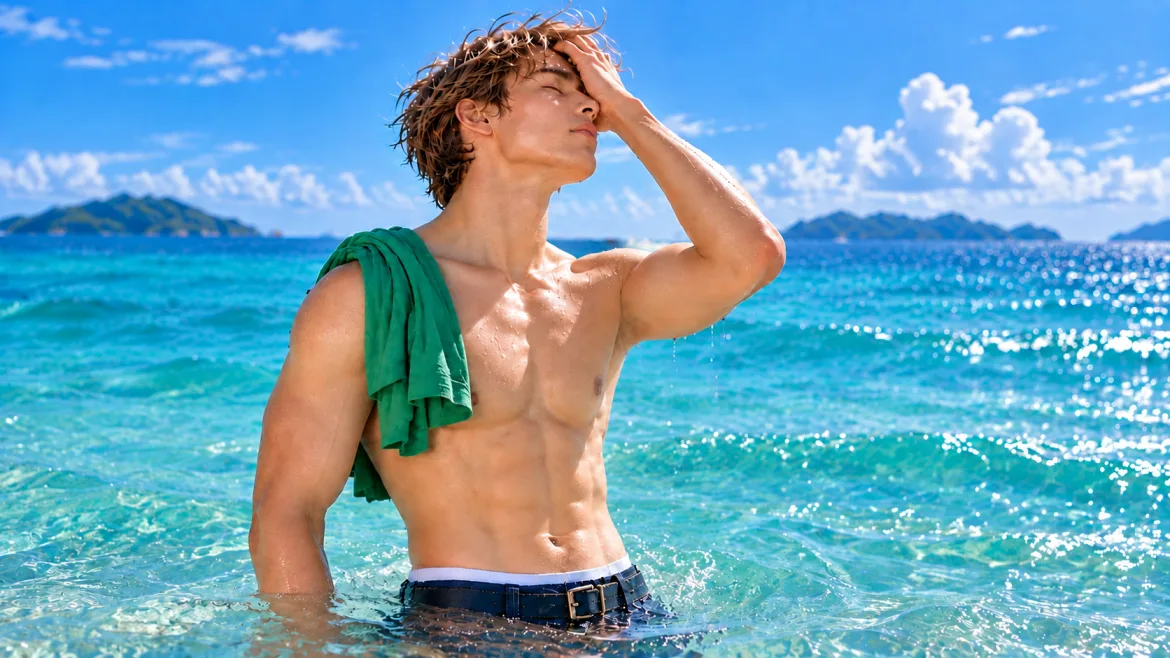
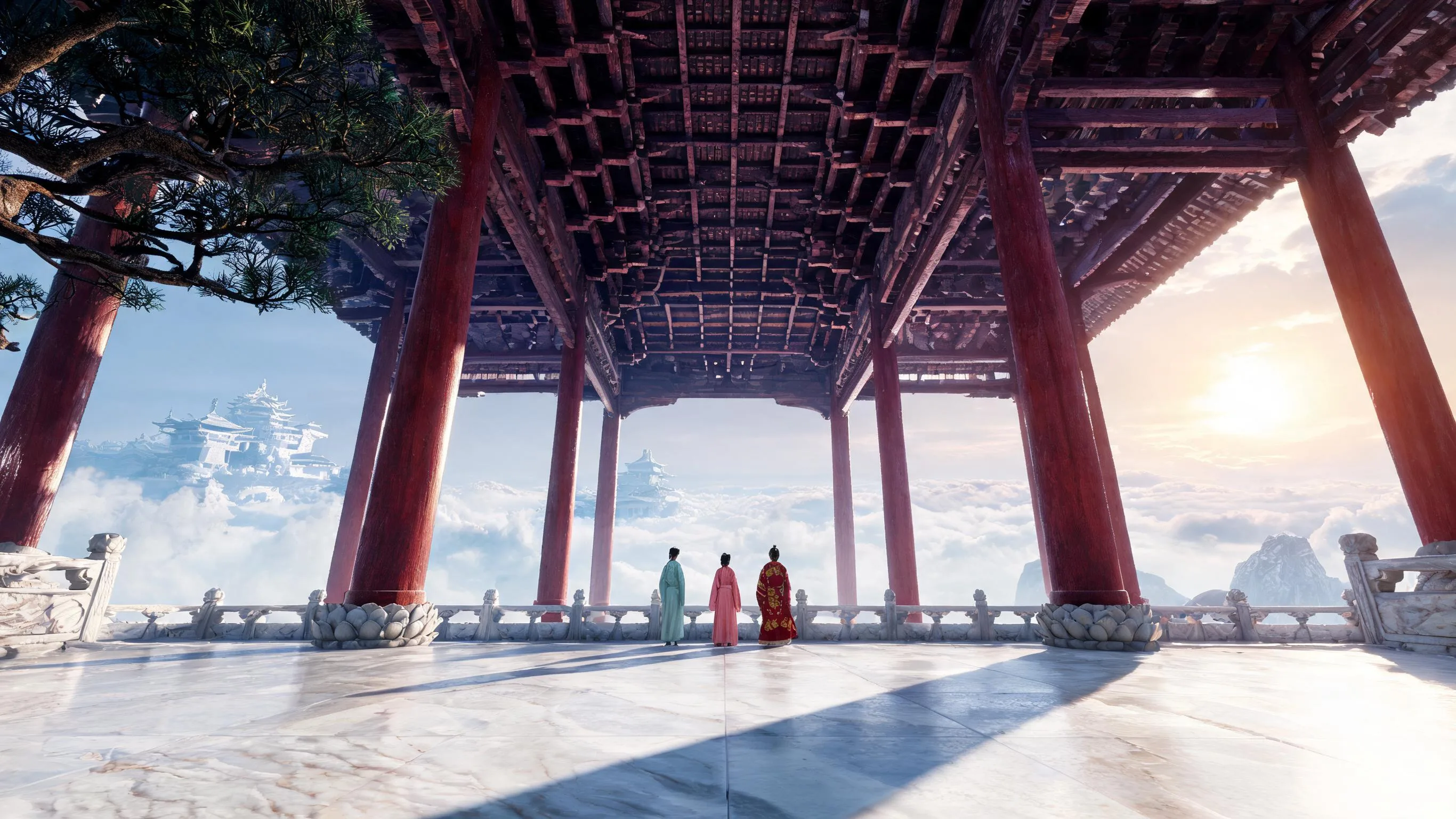
Upload the picture that you want to transform. When you AI animate an image online, it is better if you choose high-resolution images with clear subjects—such as portraits, animal photos, or landscapes featuring natural elements like flowing water or clouds.
Tips: JPEG and PNG files with balanced lighting work best for accurately tracking the image's contours.
Step 3: Select Motion Settings and Create
Once the image is uploaded, IdolAI lets you adjust the prompt. Depending on what you want, you can set the video type and background. Plus, you can choose options like subtle facial movements, blinking, or full facial animation.
The core logic of this prompt is: Main Subject + Environment + Motion Description + Camera Movement + Video Quality Parameters.
Some Tips for Animating a Picture with AI
When you animate a picture with AI, focusing on a few key points can elevate your generated videos from great to perfect.
Pay attention to lighting and shadows on the subject: AI algorithms rely on light and shadow to distinguish the subject from the background. Images with clear outlines and high contrast yield the best animation results.
Plan the movement: Large, sweeping movements aren't always the best choice. Subtle, cinematic motions—such as a gentle breeze stirring the hair or a slight turn of the head—often look more realistic than dynamic camera moves.
Align movement with emotion: Choose a style of motion that complements the atmosphere of the original image. Soothing scenes call for slow, fluid movements, while energetic images benefit from lively, active motion.
Transforming your images into videos doesn't require expensive software or advanced animation skills. With AI platforms like IdolAI, anyone can create studio-quality videos with a prompt.
Simply select a striking photo from your gallery and upload it to IdolAI. Experience the power of cutting-edge AI video technology for yourself!
Ready to breathe life into your images? Go to IdoliAI! The new user has free credits to create!
Frequently asked questions
How to animate a picture?
You can choose Traditional Software (e.g., Photoshop or After Effects), Mobile Apps or AI Generators (e.g., IdolAI).
How to animate a picture online?
AI Generator is the best choice.
Which is the best AI animate image online?
The best AI tool to animate images online is IdoliAI.
Try Idoli for AI portraits & clips
Lock one idol, generate stills and short videos, publish with confidence.