AI image template: Cartoon Avatar from Photo
Idoli.ai Template

Cartoon Avatar from Photo

Create a clear portrait, then transform it into a personalised cartoon avatar with recognizable details.

Template prompt

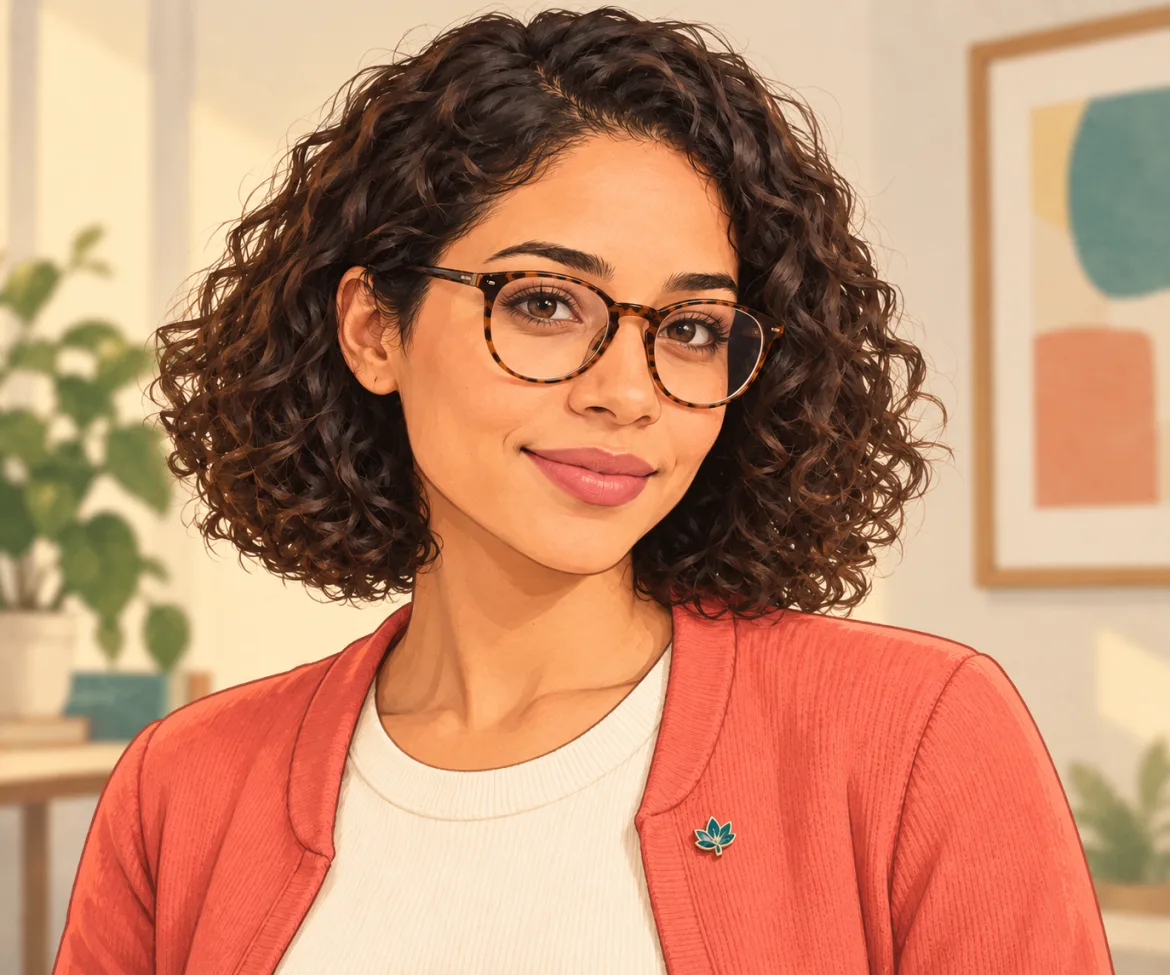
An original adult woman shown from the chest up against a seamless warm light-gray studio background. She has medium-brown skin, an oval face, chin-length dark curls, round tortoiseshell glasses, and a natural closed-mouth smile. She wears a plain coral overshirt over a cream crew-neck top, with a small teal enamel pin on the collar. Her body is turned slightly three-quarters toward the camera. Both eyes are fully visible, her shoulders stay level, and her entire hairstyle remains inside the frame. She occupies roughly two-thirds of the image height. Soft diffused window light falls from the left, balanced by gentle neutral fill from the right, creating small catchlights and light shadows along the nose, jaw, curls, and glasses. Style: natural contemporary studio portrait photography with realistic skin texture, clearly defined curls, accurate eyeglass frames, true-to-life cotton fabric, crisp facial detail, and restrained warm color grading.
Pre-configured

📷 image1:1Cartoon

About this template

A cartoon avatar turns recognizable facial features into a warm, polished illustration with a more playful visual identity. This design combines smooth dark-brown contours, softly brushed digital gouache, restrained cel shading, and a coral, teal, cream, and cocoa palette.

The default character has chin-length curls, round glasses, a coral overshirt, and a small teal collar pin. A slight three-quarter pose keeps both eyes visible, while the quiet studio background adds depth without competing with the face. The character occupies roughly two-thirds of the image height, and the plant and framed print remain smaller supporting elements.

Personalize the avatar

For personalised cartoon characters, focus on a few features that make the subject immediately recognizable. Face shape, hairstyle silhouette, glasses, expression, clothing color, and one familiar accessory usually carry more identity than tiny skin or fabric details.

If you have wondered “what would I look like animated,” choose three or four visual anchors and keep them consistent. A distinctive curl pattern, eyebrow shape, pair of glasses, jacket color, or small pin can give the finished character a specific personality without making the illustration overly detailed.

You can also adjust the visual mood. For a different illustration direction, explore photo-to-manga techniques, including ink outlines, screentones, and simplified backgrounds. These create a different finish from this template’s soft gouache treatment.Softer lines and lighter colors create a friendly profile image, while stronger contours and deeper shadows give the avatar more editorial character. Keep the background quieter than the face so the hairstyle, eyes, glasses, and expression remain easy to read.

Create a two-person version

To turn these two fellas into cartoon characters, place both people side by side with equal apparent scale and a small gap between their shoulders. Keep each person's hairstyle, clothing color, glasses, and accessories distinct. The two silhouettes should remain separate so facial features and outfits do not blend together.

Similar templates

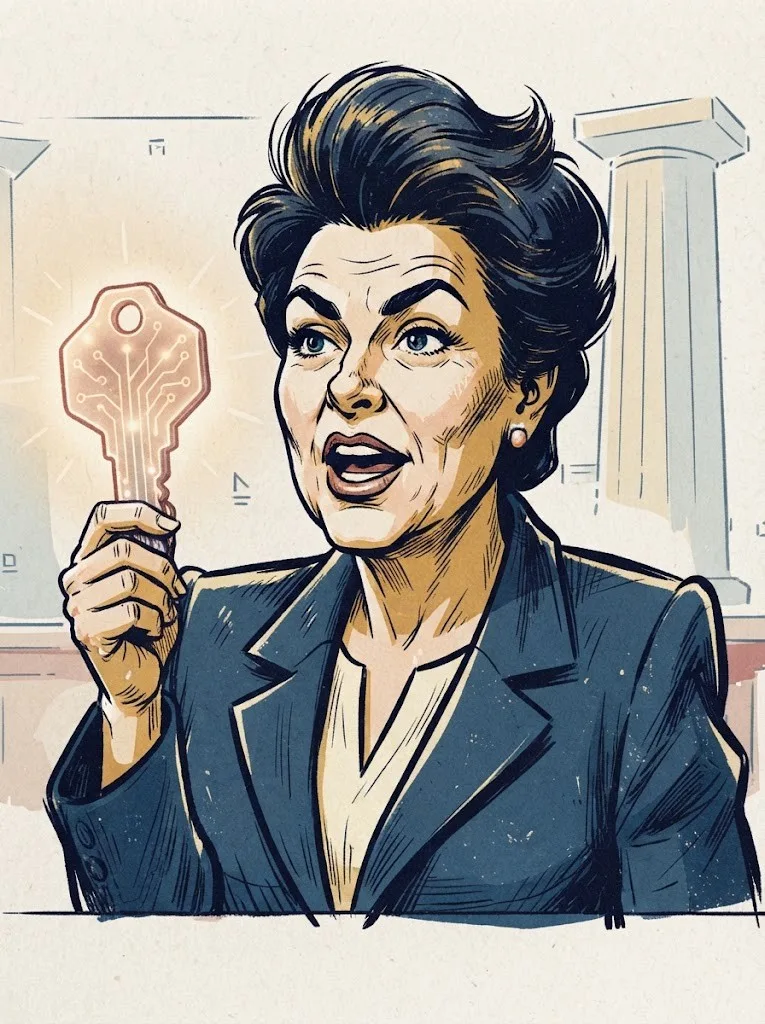
AI Political Cartoon Generator

Create a fictional editorial cartoon with symbolic characters, clear visual metaphor, and optional short text.

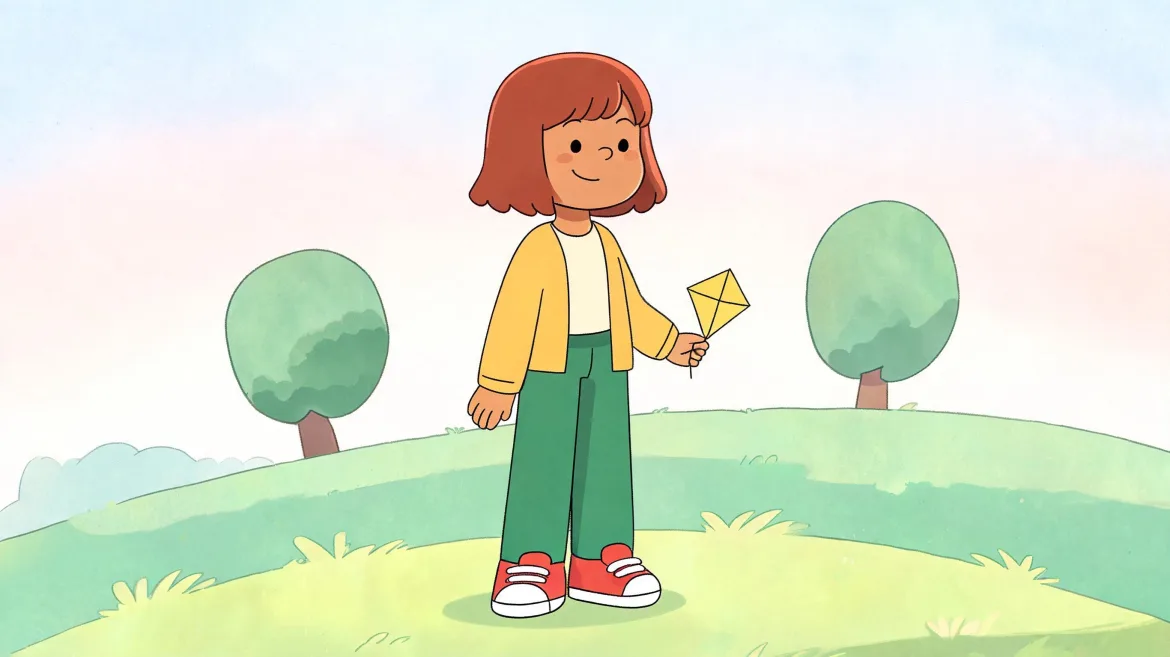
Simple Animated Characters

Create a cute simple animated character with clean shapes, readable emotion, and a soft storybook scene.

Cartoon Movie Character Generator

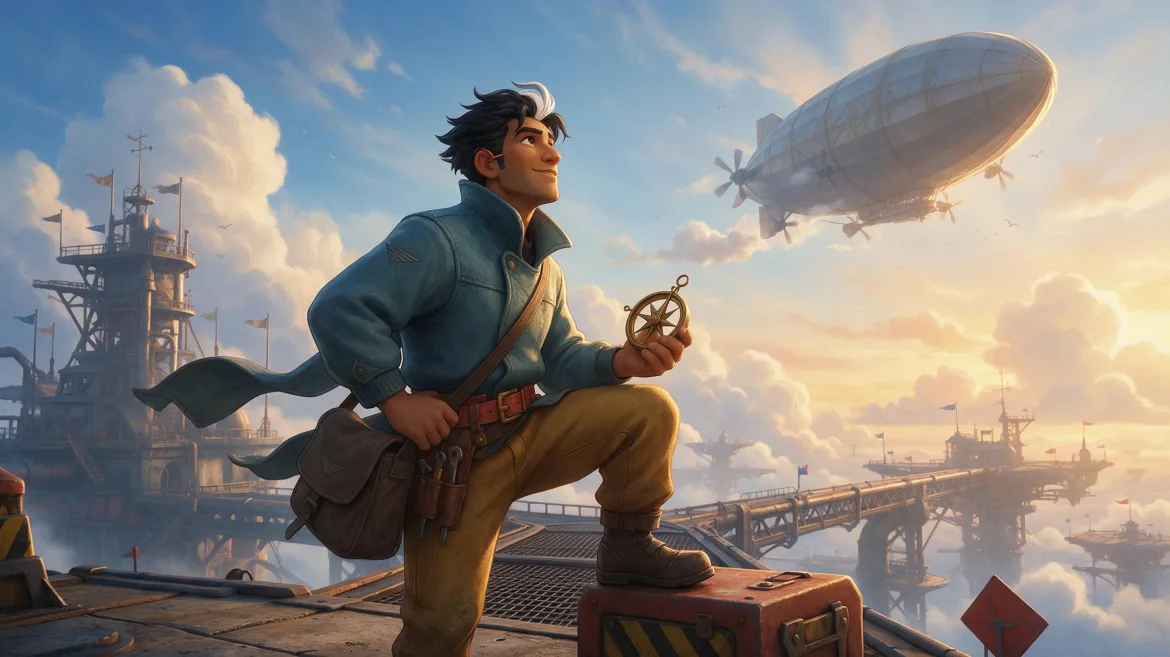
Design an original cartoon movie hero with a signature tool, cinematic pose, and story-rich animated world.

Random Cartoon Generator

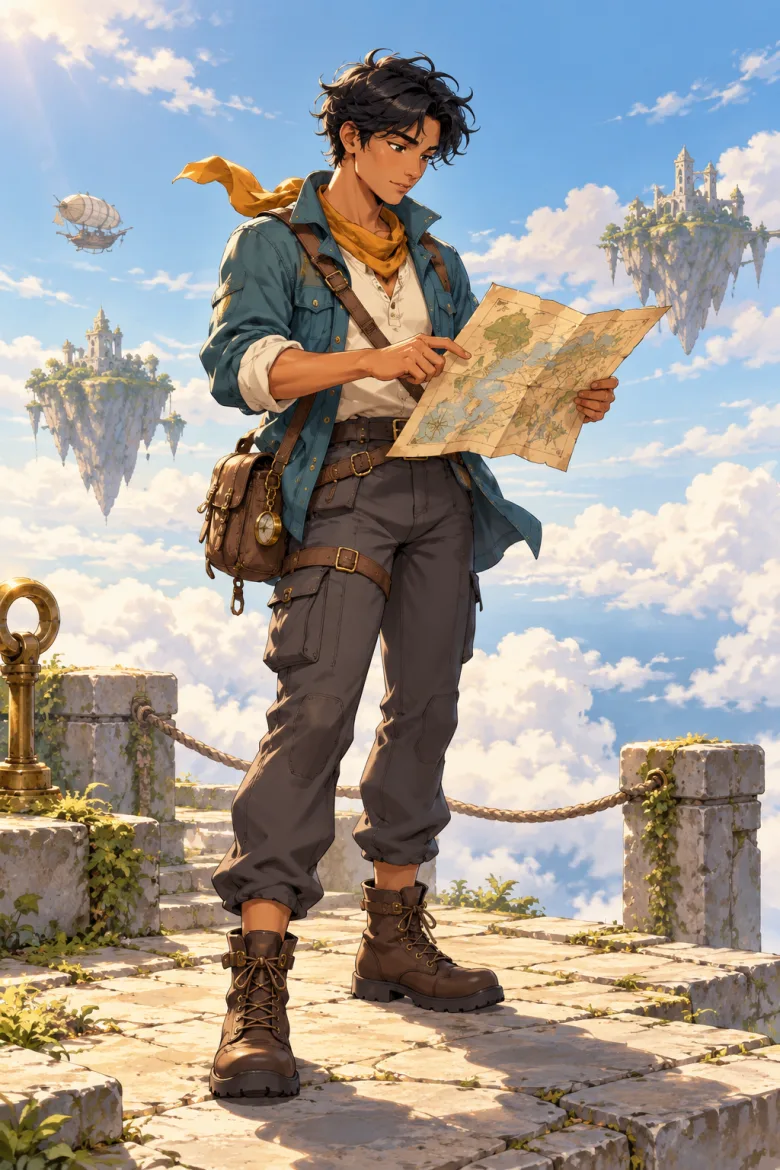
Create an original sky-island cartographer with a clear pose, exploration outfit, folding map, and coherent 2D style.

Realistic Cartoon Character

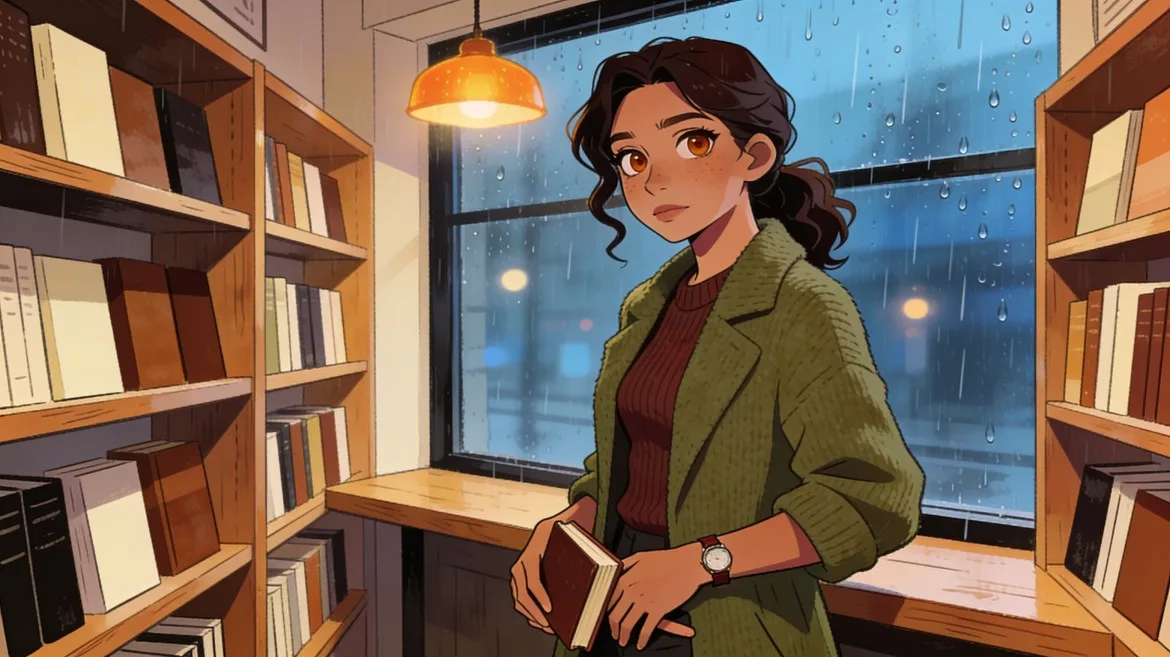
Create a realistic cartoon woman with natural anatomy, painted linework, and soft rainy bookshop light.