AI image template: AI Political Cartoon Generator
Idoli.ai Template

AI Political Cartoon Generator

Create a fictional editorial cartoon with symbolic characters, clear visual metaphor, and optional short text.

Template prompt

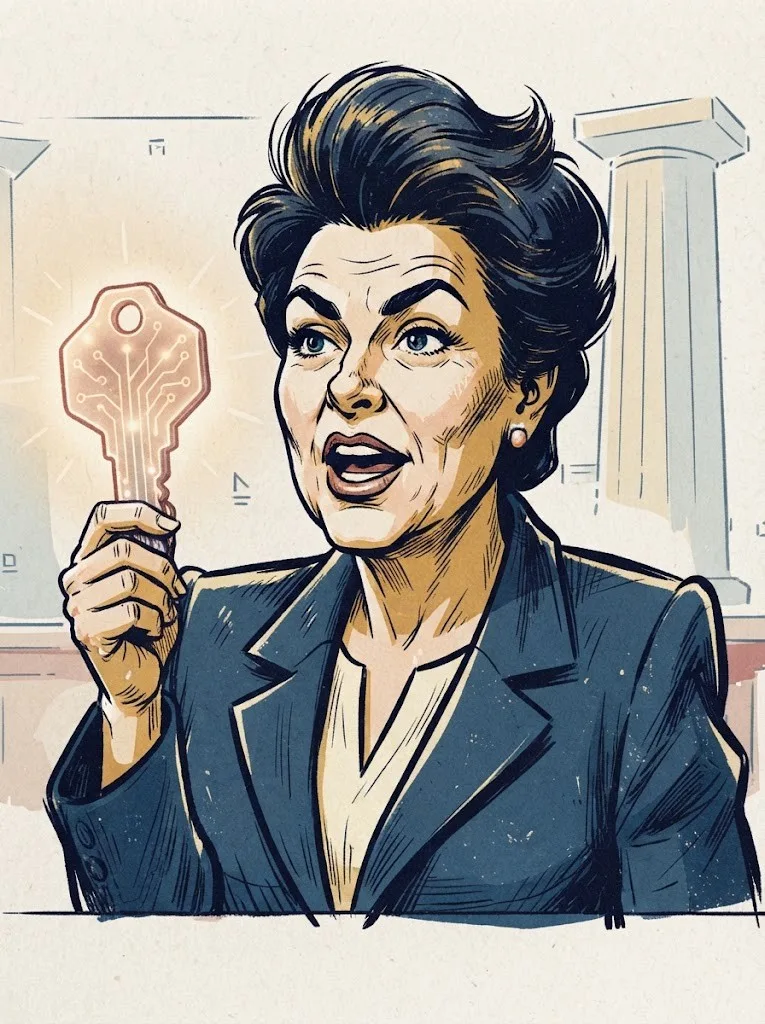
Create one original editorial caricature of a fictional adult female mayor addressing an unseen civic audience. Use a tight chest-up composition with her moderately enlarged head occupying about 30 to 35 percent of the image height and her compact body occupying roughly the lower third. Give her a high swept hairstyle, clearly arched eyebrows, a broad expressive mouth, and a slightly oversized navy suit collar; exaggerate these features enough to read as political cartoon caricature while keeping her recognizable as an original fictional person, not a real politician. She holds one glowing circuit-shaped key beside her face as the single visual metaphor for public AI power. Behind her, show only a simplified town-hall podium and two faint geometric columns. Use a classic newspaper editorial cartoon treatment: bold dark ink contours, limited navy, ochre, cream, and red accents, flat color blocks, controlled crosshatch shadows, expressive hand-drawn facial lines, and lightly textured off-white paper. Keep the key smaller than her head but larger than one hand. Make the metaphor readable without a long caption. If any lettering appears, use only a very short placeholder mark rather than a factual statement. Use a fictional person only; do not depict a real politician, party, campaign, flag, logo, breaking event, accusation, or claim presented as news. No photorealism, 3D rendering, watermark, extra figures, distorted hands, or dense text.
Pre-configured

📷 image3:4animeCartoon

About this template

This AI political cartoon generator template creates a fictional editorial caricature through visual metaphor rather than a report about a real person or event. A single oversized-headed mayor and a circuit-shaped key turn a discussion about public technology into an image that reads quickly.

The design uses a tight chest-up crop, a compact body, exaggerated eyebrows and mouth, dark ink contours, flat color blocks, controlled crosshatching, and a limited newspaper palette. The enlarged head carries the expression, while the single prop supplies the political metaphor. A quiet podium and architectural shapes provide context without competing with the face.

An artificial intelligence cartoon can address a broad civic question by replacing literal explanation with one concrete object, gesture, or facial contrast. For a cartoon with text, keep wording optional and very short; describe the visual metaphor first, because generated lettering may require manual editing. Change the fictional official, exaggerated features, symbolic prop, and palette together, but do not turn the image into a factual claim about a real political figure or current event.

From Issue to Image: A Worked Example

Every editorial cartoon starts with an issue, not a face. Here is how the default scene was built, so you can repeat the process with your own topic:

  1. Pick one issue. The default cartoon addresses a single civic question: who controls public technology. One cartoon, one issue — combining two topics in one frame makes the metaphor unreadable.
  2. Choose one symbolic object. The circuit-shaped key stands in for the whole debate. A good prop should be recognizable at thumbnail size: a key for control, a leash for dependence, a scale for justice, a plug for energy policy.
  3. Assign one gesture. The mayor holds the key up rather than simply standing beside it. The gesture tells the reader who has power in this scene before they read a single word.
  4. Limit the palette. Two or three main colors plus ink contours keep the image printable and readable. If the result looks noisy, remove a color before adding a detail.

Generate the image, then check the result in this order: the prop reads correctly, the gesture is visible, the exaggerated features did not drift into a different person, and the background stays quiet. If lettering appears garbled, remove the text instruction from the prompt and add captions in an editor afterward.

Customize the Editorial Idea

Replace the fictional issue, official, hairstyle, exaggerated facial features, setting, and symbolic object. Keep one central metaphor, two or three main colors, and a readable foreground gesture.

For other isolated cartoon looks — flat vector, claymation, retro anime, pop art — see our guide to the top 5 AI cartoon styles, and keep the style keywords in your prompt consistent with the one you choose.

Similar templates

Simple Animated Characters

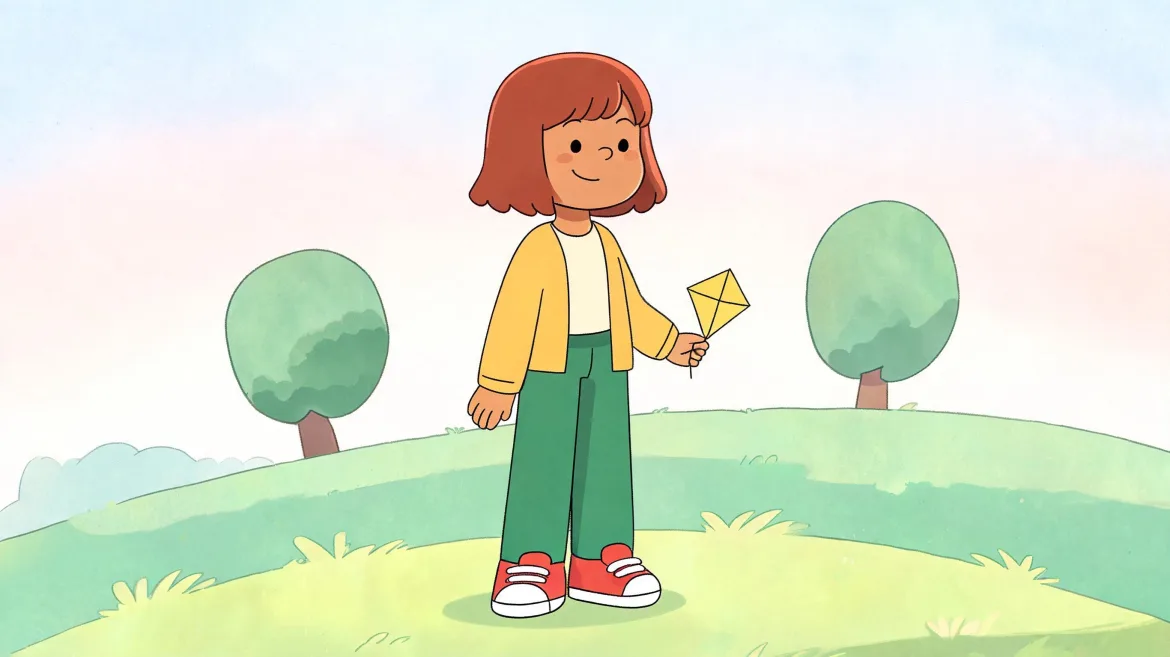
Create a cute simple animated character with clean shapes, readable emotion, and a soft storybook scene.

Cartoon Movie Character Generator

Design an original cartoon movie hero with a signature tool, cinematic pose, and story-rich animated world.

Random Cartoon Generator

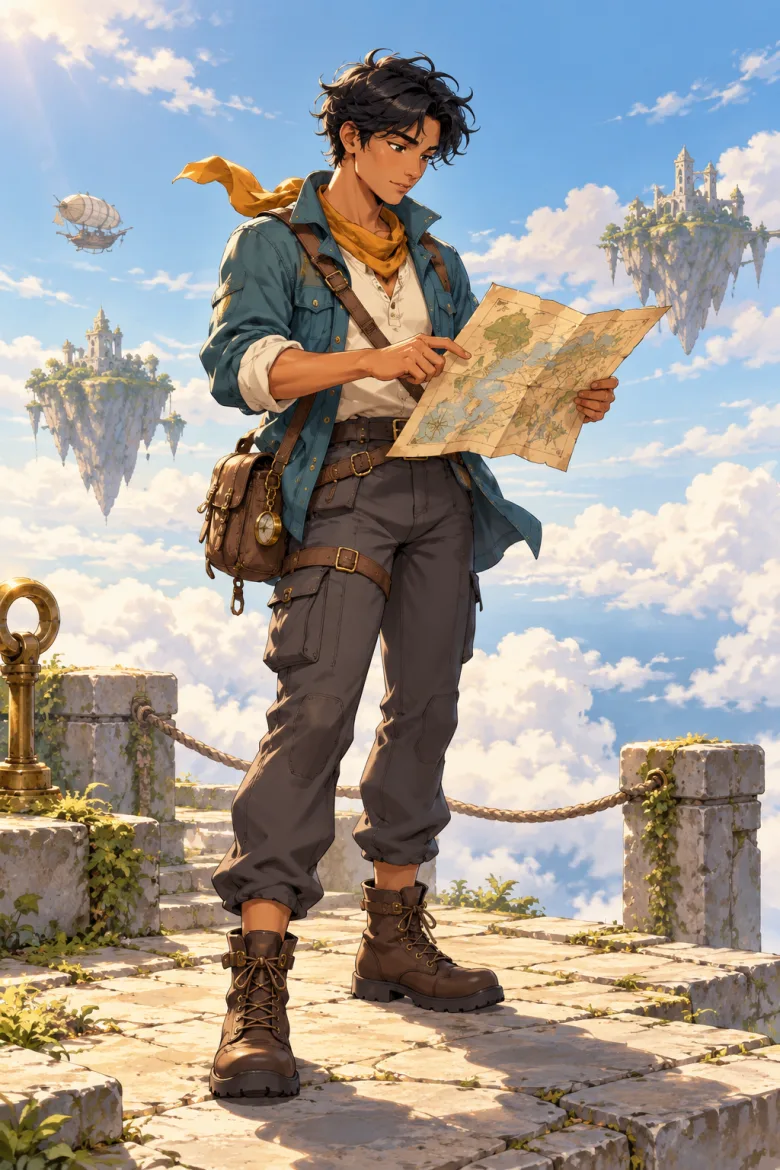
Create an original sky-island cartographer with a clear pose, exploration outfit, folding map, and coherent 2D style.

Realistic Cartoon Character

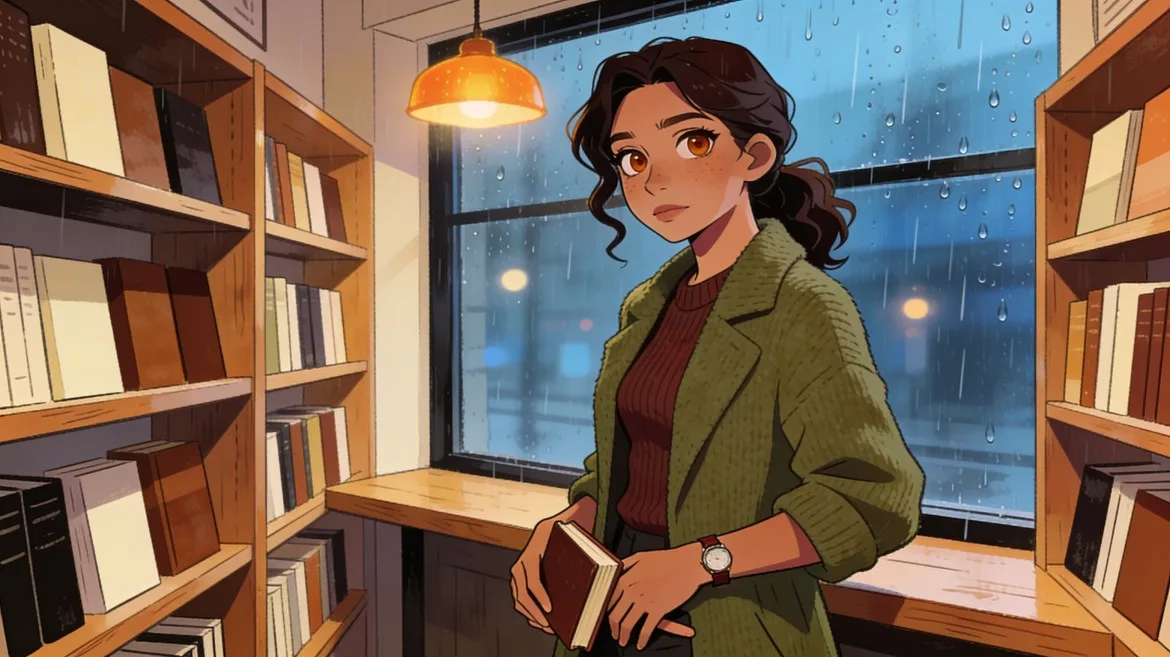
Create a realistic cartoon woman with natural anatomy, painted linework, and soft rainy bookshop light.

Cartoon Avatar from Photo

Create a clear portrait, then transform it into a personalised cartoon avatar with recognizable details.