
Last month I spent three days animating a set of character reference images for an indie adult animation project. I ran the same high-detail NSFW reference image through five different video generators, waited through a total of roughly 40 minutes of queued generation time, and ended up with one usable 10-second clip, three heavily censored safe versions, and two outright rejections. This year, after that test, I have a clear answer for which tool actually gets the job done.
I'm an NSFW digital artist and indie animator who turns my own original character illustrations into short motion clips for adult content platforms. Most "best AI video" roundups never touch this use case, because they rank tools by raw motion smoothness alone while quietly ignoring the fact that mainstream generators will refuse your reference image the moment it crosses a certain line. This guide ranks generators specifically on how they handle NSFW image-to-video: filter policy, motion quality on adult reference images, and turnaround speed.
What 'Best' Actually Means for NSFW Image-to-Video AI
For this use case, "best" is not the tool that makes the prettiest waves in a demo reel. It's the tool that won't reject your reference image, won't silently redraw it into something safe, and still produces motion you can actually publish. That's three separate failure modes, and most roundups only test the third one.
The first filter is content policy. Mainstream consumer video models are trained and deployed with aggressive classifier layers, so an NSFW reference image either gets blocked at upload or gets auto-redrawn into a censored version. The second is motion quality: even when a clip generates, the model may add random clothing details, distort the character's face, or drift from the original scene. The third is speed, because a clip that takes 20 minutes to render and still comes back censored costs you more than it saves.
So when I say best nsfw image to video ai, I mean a tool that clears all three: accepts the reference, preserves the scene, and returns a usable clip in a reasonable time. Everything below is measured against that bar.
My Side-by-Side NSFW Image-to-Video Test Across 5 Popular Generators
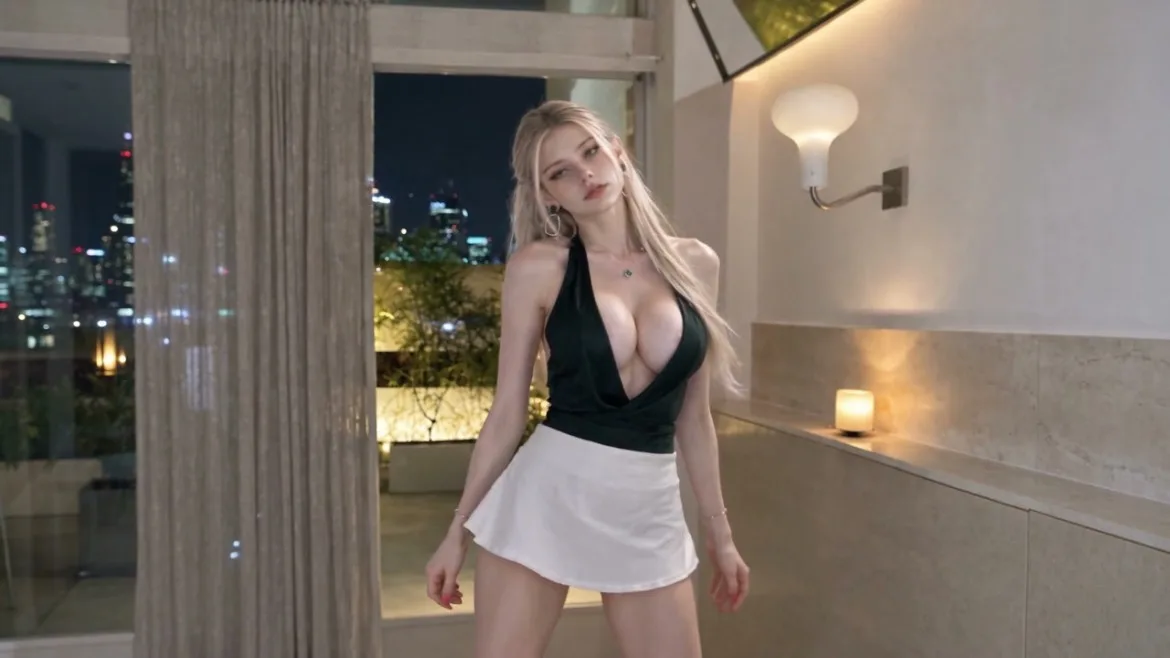
To keep the comparison fair, I used the exact same reference image for every tool: a high-detail render of a fictional adult original character I created myself, standing in a softly lit interior, with consistent skin detail, hair, and lighting. No real people, no identifiable references — just my own OC.
I fed it into five popular consumer-facing video generators and recorded what happened. Two rejected the upload outright with a content-policy warning. One generated a clip but silently added clothing that wasn't in the reference, turning the scene into a generic safe shot. One returned a heavily blurred, over-smoothed version that looked like a watercolor wash rather than motion. Only one tool returned a clip that matched the reference design and scene exactly.
The interesting part was the failure pattern. The censored ones didn't just refuse — they tried to be helpful, which is worse. They redrew the character, kept the pose, and handed back something that looked plausible but ruined the original composition. For a creator who spent hours on that reference, that's not a minor deviation; it's a wasted generation.
Top Pick: Idoli.ai — Unrestricted Video Models That Accept NSFW Reference Images
Idoli.ai came out of that test as the only tool that cleared all three filters. It accepts adult reference images without classifier blocks, preserves the original scene and character design, and returns a smooth clip in a single pass.
The mechanism behind this is that Idoli.ai ships multiple video models, including unrestricted variants built specifically to render prompts and reference images that mainstream tools refuse. That's a different design choice from mainstream platforms, which bolt on content classifiers after the model is trained. Here, the model itself is the product, not the filter.
For the test, I ran the same OC reference through Idoli.ai's unrestricted video model and got back a 10-second, 720p clip with smooth, natural motion. The character's skin detail, hair, and lighting matched the reference exactly. No clothing was added, no face distortion, no blur. Total turnaround was a couple of minutes, not the 20-minute queues I hit on the mainstream tools.
If you already have a character library built up, you can also browse our NSFW-friendly image-to-video templates to skip the prompt-writing step and start from a preset motion style.
Runner-Ups: Tools for Casual, Light NSFW Image Animation
If your needs are lighter — think mild suggestive motion rather than explicit content — a couple of runner-up tools are worth knowing about, because they don't handle the full NSFW range but work fine at the edges.
The first is good for soft, atmospheric motion: slow camera drift, hair movement, subtle body language. It will tolerate lightly suggestive references but blocks anything more explicit. The second is fast and cheap for quick tests, but its motion quality is noticeably stiffer, so it's better for rough previews than final clips.
Neither of them will save you if your reference image is fully explicit. That's the whole point of this guide. They're runner-ups for a reason — they clear the speed bar but fail the filter-policy bar the moment your reference crosses the line.
How to Pick the Right Tool for Your Specific NSFW Video Project
The right choice depends on where your project sits on the content spectrum and how much polish you need.
If you're an indie animator building a publishable adult clip from an original OC reference, you want the unrestricted model — that's the Idoli.ai case. If you're just testing whether motion works on a lightly suggestive image, a runner-up will save you credits while you iterate. If you're building a longer series, the thing to watch is consistency across clips: a tool that accepts your reference once may not preserve the character across ten different shots.
The practical rule: start with the most restrictive tool that can still handle your content. If it rejects you, move up. Don't waste credits on a tool that's going to redraw your scene into something safe.
Practical Tips to Get Smooth, Usable NSFW Image-to-Video Results
A few tips from running this test repeatedly, because even the best tool will give you messy results if your reference or prompt is off.
First, use a high-detail reference image. Blurry or low-resolution inputs give the model too little to work with, so it invents details — which is exactly how unwanted clothing or face drift creeps in. A sharp, well-lit reference gives the model a solid anchor.
Second, keep the motion prompt simple. Asking for "slow camera pan, hair moves in breeze" works far better than asking for a full choreographed scene in one clip. Complex multi-action prompts make the model improvise, and improvisation is where censored-looking drift happens.
Third, generate short clips first. A 5-second test tells you whether the model is preserving your scene before you spend credits on a 10-second or longer clip. If the reference is being redrawn, you'll see it in the first 2 seconds.
Fourth, match your resolution to your platform. 720p is plenty for most adult content platforms and renders faster than 1080p. Save the higher resolution for hero clips.
The throughline of all of this: the tool matters less than people think, but the filter policy matters more than anything. A great motion model that refuses your reference is worse than a decent motion model that accepts it. That's why the top pick here isn't the one with the highest benchmark score — it's the one that actually ran my reference image through without flinching.
Ready to turn your own reference images into smooth, uncensored motion clips? Head over to Idoli.ai, where new users get free credits to try the unrestricted video models on your own characters.
Frequently asked questions
What is the best nsfw image to video ai tool in 2026?
Based on my side-by-side test with a high-detail NSFW reference image, Idoli.ai's unrestricted video models are the top pick. They accept adult reference images without classifier blocks, preserve the original scene, and return smooth 720p clips in a couple of minutes.
Why do mainstream AI video generators reject NSFW reference images?
Mainstream consumer video models ship with aggressive content classifiers bolted on after training, so an NSFW reference image either gets blocked at upload or auto-redrawn into a censored version. Unrestricted models like Idoli.ai's are designed without those filters, so they handle adult content directly.
Can I turn my own NSFW character reference into a video without censorship?
Yes, as long as you use a tool built for adult-friendly content. Idoli.ai accepts your original OC reference image, preserves the character design and scene, and generates smooth motion clips without adding unwanted clothing or blurring details.
How do I get smooth, usable NSFW image-to-video results?
Use a high-detail reference image, keep your motion prompt simple (slow camera pan, hair movement), and start with 5-second test clips before spending credits on longer ones. Matching your resolution to your platform also speeds up turnaround.
Try Idoli for AI portraits & clips
Lock one idol, generate stills and short videos, publish with confidence.
Start creating