Reference Image to Motion Video
Animate a suitable reference image with one controlled action, a smooth camera move, and a clear beginning and ending pose.
Template prompt
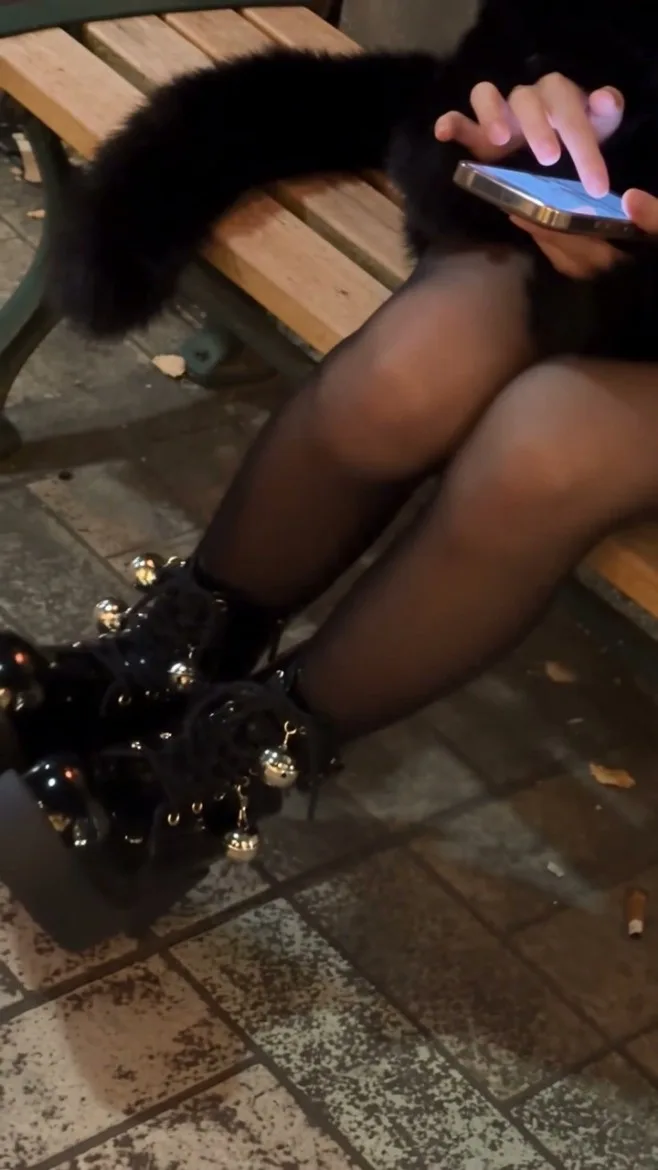
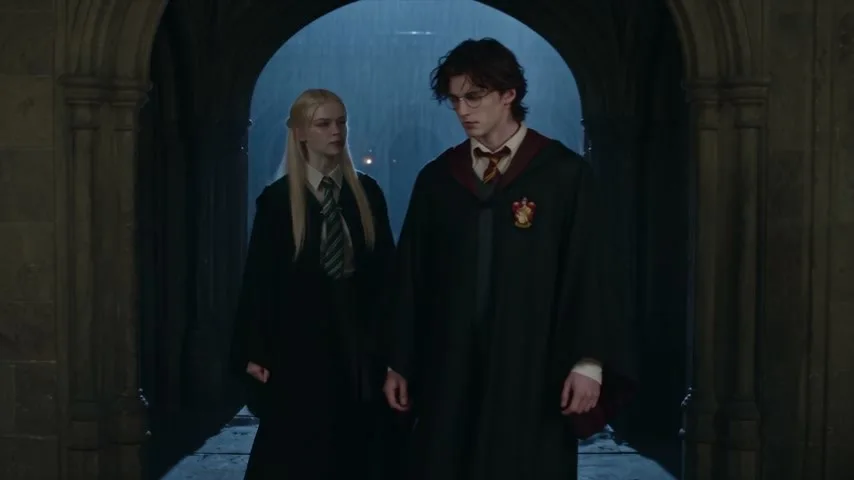
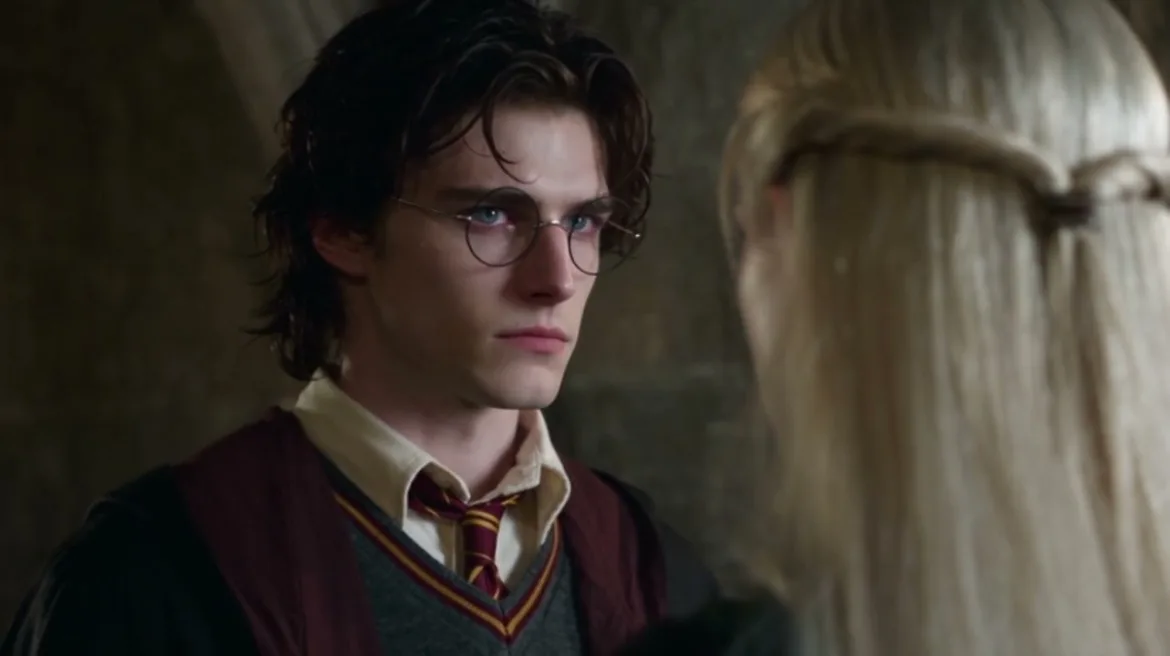
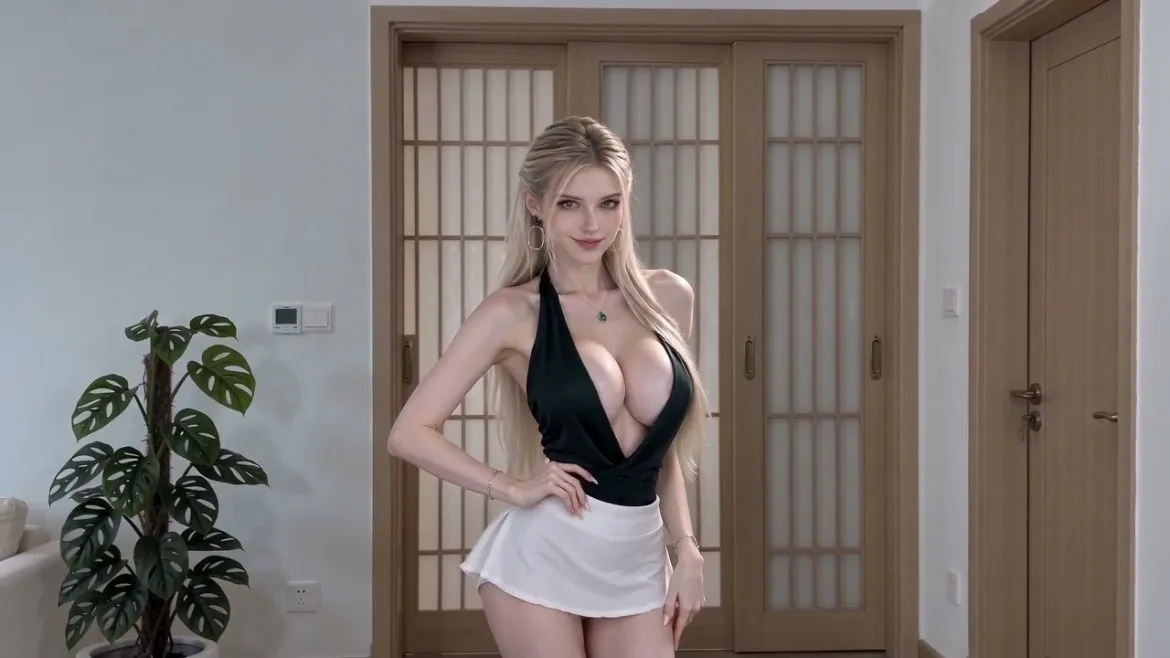
Reference my image for the subject, identity, silhouette, age category, clothing, key colors, important props, and overall setting. Preserve those recognizable traits while adding one simple action that fits the image; do not replace the subject or introduce unrelated objects. Create a five-and-a-half-second cinematic motion clip. **Character and continuity block:** Keep the subject’s face or defining features, body proportions, hairstyle, clothing details, props, and position within the scene consistent throughout. Match the opening pose and camera angle to the source image. Preserve the original environment and its lighting direction; allow only natural movement in hair, clothing, reflections, or nearby elements. **Shot 1 — 0–1.5 seconds, opening medium or full-body framing matched to the source:** Hold the source composition nearly still. Add only subtle breathing or one natural blink. The camera begins a slow, controlled push-in without changing height. **Shot 2 — 1.5–4 seconds, continuous front three-quarter view:** The subject performs one clear action suited to the source context, such as taking a single step, giving a small wave, turning gradually, or looking toward a nearby point. Choose one action only. Keep the movement physically plausible and let clothing, hair, and carried objects respond naturally. Continue the gentle push-in or use a short lateral track; do not cut or jump to another angle. **Shot 3 — 4–5.5 seconds, settle into a medium or full-body hold:** The subject completes the action and settles into a relaxed pose that echoes the opening silhouette. The camera eases to a stop and holds the final composition for the last half-second. Use soft directional light, realistic contact shadows, coherent reflections, and a polished cinematic-realism treatment with natural motion blur, stable textures, and believable cloth and hair movement. Keep the subject at a consistent relative scale against the environment. Maintain continuous action and a clear beginning, middle, and ending. No jump cuts, time reversal, identity drift, extra limbs, duplicated props, warped hands, sudden background changes, text, logos, watermarks, or abrupt style shifts.