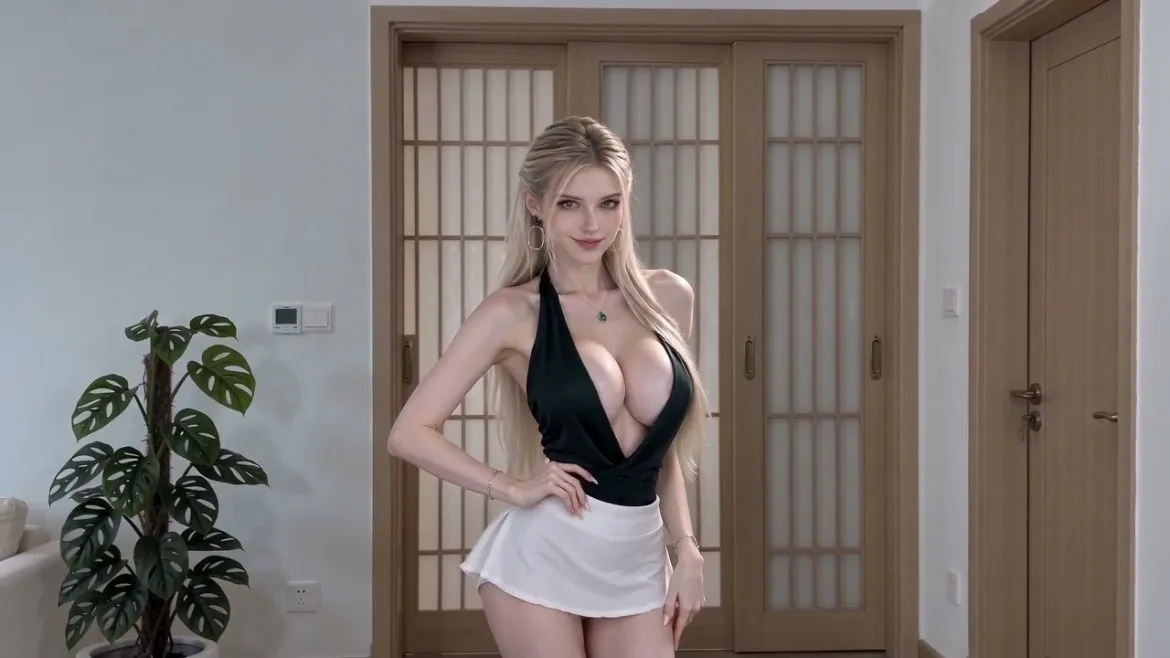
A good character video does not always need a long prompt. Once you have created and saved a character in Idoli, you can reference that character in video mode and describe just the interaction you want. This template uses a short request for a cute, affectionately playful performance in front of the camera, presented as a six-second vertical clip.
The saved character gives the generation a visual subject to work from, so you do not have to rebuild the character’s appearance in every prompt. Create your adult character first, use Fine-tune if you want to adjust the details, and save the result. Then open video mode, reference that saved character, select a 9:16 format and six-second duration where supported, and enter the short prompt. The @coser label stands for the character you select; typing the label alone does not replace referencing the saved character in Idoli.
This is where saving a character makes later creation simpler: establish the look first, then use a few words to guide the mood and performance. A small affectionate moment can be a useful starting point without scripting every gesture. If the result is close to your intention, keep the same character reference and refine only the instruction that needs changing.
Use this AI girlfriend video generator template for a brief, character-led clip rather than a complex narrative. Short prompts leave more of the performance to the selected model, so results will vary. Video mode currently does not remember earlier messages; reference the intended character and include the complete short prompt for each generation. For this girlfriend-style scene, use a clearly adult character.