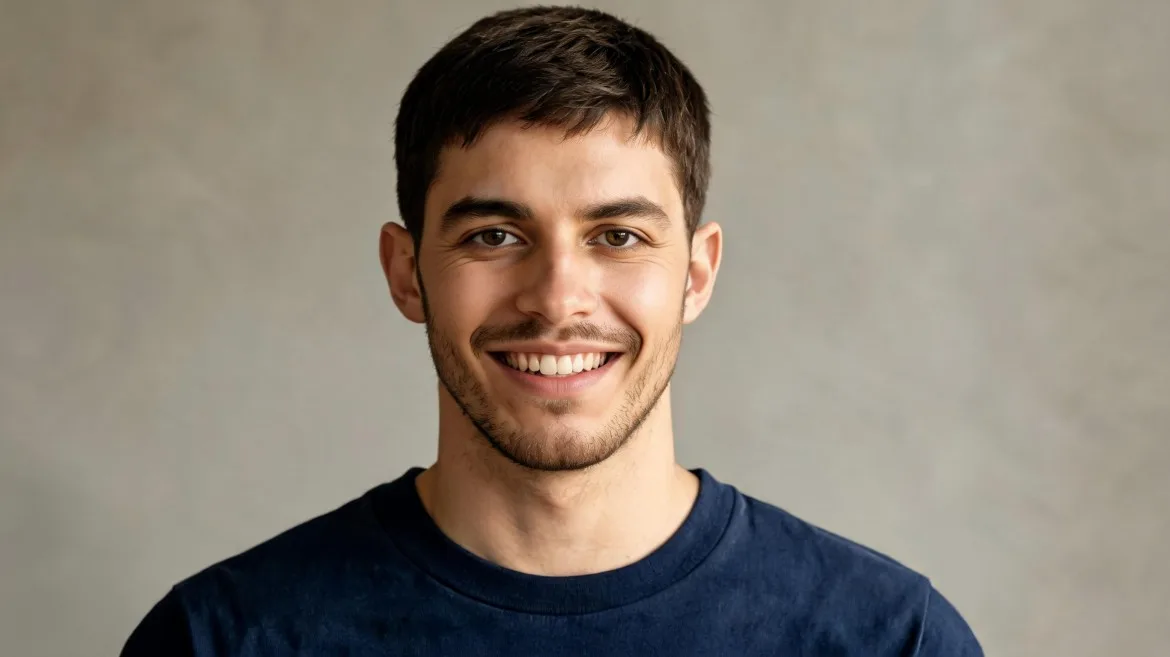
Natural Smile Generator
CreateHave you ever had a great image and wished you could make it move?
I have. As someone who uses AIGC tools regularly, I’ve found that generating a video from an image is usually easier to control than generating one directly from text. With text-to-video, the AI has to create the character, scene, composition, and motion at the same time, so the final result can sometimes look very different from what I imagined. With image-to-video, I already have the character and scene I want. I only need to tell the AI how I want them to move.
That is why I started looking for image to video AI no restrictions tools. What I really want is simple: more creative freedom, fewer unnecessary roadblocks, and enough control to turn my own ideas into videos.
In this guide, I’ll show you how I approach image-to-video generation, how I write prompts, and why Idoli.ai has become one of the AIGC tools worth trying in 2026.
For me, the biggest advantage is control.
When you use text-to-video, you are asking AI to make almost everything from scratch. Even if your prompt is detailed, the character’s face, clothes, body shape, background, or camera composition may not look exactly the way you expected.
Image-to-video gives you a much clearer starting point.
You can first create or upload an image you are happy with. Once the character, outfit, pose, background, and overall visual style look right, you can focus almost entirely on motion.
For example, if I already have a beach photo of a character, I don't need to describe his appearance again. I can simply ask him to walk toward the ocean while the wind moves his hair and the camera slowly follows behind him.
This also makes it easier to keep a character visually consistent. If you're creating several clips featuring the same AI character, starting from reference images gives you more control over how that character looks from video to video.
Another advantage is that you can experiment without rebuilding the whole scene. I might generate the same image several times with different actions or camera movements. One version can have the character walking forward, another can use a slow camera push-in, and another can add subtle facial expressions.
That's one reason I prefer image to video AI no restrictions when I'm experimenting with AIGC. I can spend more time thinking about movement and storytelling instead of hoping the AI correctly interprets every visual detail from a text prompt.
For creators who already have a specific visual idea in mind, image-to-video simply gives you a more predictable starting point.
Lock one idol, generate stills and short videos, publish with confidence.
Start creating