
The six clips put the emphasis in different places. One builds from a small hip groove to a clap. Another cuts to the sneakers so you can see the crossing step. The six-second vertical version ends with a hand heart. A single spotlight gives the fourth clip a stage feel, the fifth carries the same groove from a back view into a front view, and the sixth opens the arms wide in a bright living room.
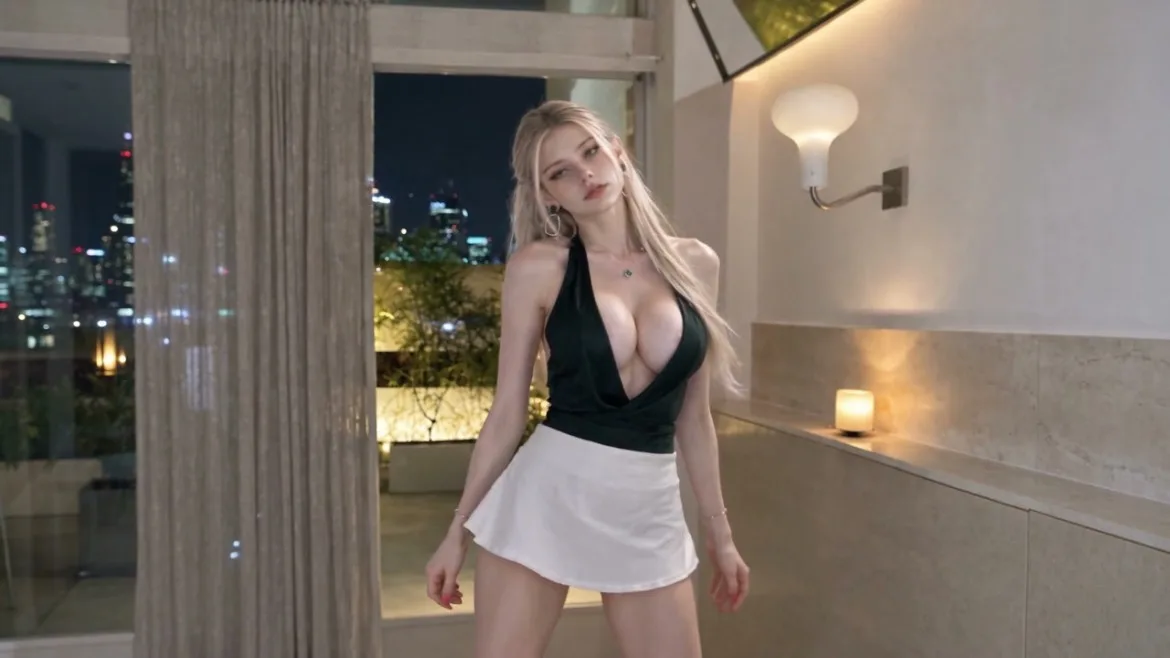
If you are trying an AI twerking video generator, pick the template based on what you want the viewer to notice. The first three clips use a room overlooking the city. The fourth uses a dark studio, the fifth a plain pale wall, and the sixth a bright living room with wooden lattice sliding doors. All six use the same saved adult character.
Start with the Hips and Build to a Clap
The 16-second widescreen routine gives the dancer time to find the beat. She shifts her weight from leg to leg, letting the hips follow. Later, the camera moves closer as she points on the beat and claps once near her shoulder. Choose this version when you want the viewer to see the groove build before the bigger gestures arrive. Twerking AI Generator: Night Room Groove
Cut to the Footwork Before the Drop
The 12-second widescreen version opens facing the dancer, then cuts down to her sneakers for a crossing step. She turns back toward the camera, plants her feet wide, and bends her knees for a few short hip pulses. A hand reaching toward the lens ends the clip. The footwork shot gives the viewer a clear look at where the weight shifts before she drops into the low stance. AI Twerk Video Generator: Footwork and Drop
Hold the Camera Still for a Six-Second Clip
The 9:16 version keeps a fixed frontal view. The dancer starts with her hands on her hips, leans forward to point at the camera, then alternates hand gestures while keeping the hip rhythm. She finishes with a two-handed heart. If you're making a short vertical dance clip, leave enough space around the hands so the point and the heart both read clearly. Vertical AI Twerking Video Template: Finger-Heart Groove
Let a Single Spotlight Carry the Shot
The eight-second widescreen version moves the dancer into a dark studio. She stays centered under one overhead light while her weight shifts from side to side. The gestures grow from little wrist flicks to raised elbows and a final open-palmed pose. Choose this setup if you want a steady shot with a stronger stage feel. Give the dancer room on both sides so the final gesture stays visible. AI Twerking Video Generator: Spotlight Groove
Carry the Beat from the Back View to the Front
The 14-second widescreen clip opens behind the dancer against a pale wall. Around the third second, the view switches to the front and she keeps the same hip rhythm, adding wrist flicks and finger cues. Check the first beat after the switch. If her weight carries naturally into the new view, both angles will feel like one dance. AI Twerking Video Template: Back-to-Front Groove
Open the Arms Wide in a Daylight Room
The 15-second widescreen clip keeps a fixed frontal view in a bright living room with wooden lattice sliding doors. The dancer builds from a hand-on-hip groove into an overhead arm arc and low side sweeps, then opens her arms wide before settling into a side pose with open palms. Choose this version when you want clean daylight and big arm lines without any cuts. Twerk AI Generator: Daylight Room Groove
Try the Six-Second Dance First
The Finger-Heart Groove template is an easy first take. The camera stays still, so you can check whether the point and the heart are visible before trying a routine with cuts.
- Open video generation in Idoli and select your saved character. Use the character reference that matches your selection in place of @malfoid in the example.
- Set the frame to 9:16 and select six seconds if your model offers it. Paste the full template prompt or try this shorter version.
Use @malfoid in a fixed frontal medium shot. 0:00-0:02: Smile, sway your hips with both hands at your waist, then lean in and point at the camera. 0:02-0:04: Draw your hand back and alternate small hand sweeps while keeping the rhythm. 0:04-0:06: Make a heart with both hands, hold it briefly, then open your hands to the sides.
- Play back the result and check the ending. If the heart goes by too fast, shorten the hand sweeps so the dancer has time to hold it. Keep the same character selected when you switch to another template, and set the framing and duration for that routine.
Pertanyaan yang sering diajukan
Can I use my own saved character in all six templates?
Yes. Select the same saved adult character for each generation and match the character reference in the prompt to your selection.
Which version shows the footwork most clearly?
Footwork and Drop cuts to the sneakers for the crossing step and uses a low frontal angle for the knee bends and hip pulses.
Which version should I choose for a vertical post?
Finger-Heart Groove is the six-second 9:16 version. The fixed framing keeps the hand gestures easy to follow.
Coba Idoli untuk potret & klip AI
Kunci satu idol, hasilkan foto dan video pendek, publikasikan dengan percaya diri.
Mulai membuat